Every AI you use,
in one orbit.
Claude and Grok side by side on the plans you already pay for, with Codex coming soon. A browser, terminal and editor built in. And a Moon that keeps the work moving while you're away.
Mac and Windows · $29 a month, locked in for life when you join at launch
Stop switching apps.
Building with AI means living in five windows: ChatGPT, Claude, a terminal, a browser and a to-do list. Orbit is one.
“I keep copying context from ChatGPT into Claude and back again.”
Switch model mid-chat. Orbit catches the new one up.
“Hit my usage limit halfway through the job. Again.”
Carry on with another model in the same chat.
“Agent in the terminal, research in the browser, notes somewhere else.”
Browser, terminal, editor and files in one window, shared by every chat.
“I have to sit and wait for it to finish before I can send the next thing.”
Queue your next message. Send now to cut in. Esc to stop.
“My agents can't see each other's work.”
Chats read and message each other, with your OK.
“Nothing moves while I'm away from the desk.”
Your Moon checks in, runs scheduled jobs and nudges you.
Every model, one chat.
Claude fixed the Safari bug and ran the tests. Grok checked the fix and spotted what still wasn't tested. Same chat, no copying and pasting.
Each model reads the chat so far before it starts, so switching takes one click. Codex joins them once OpenAI approves it.
Every model in one chat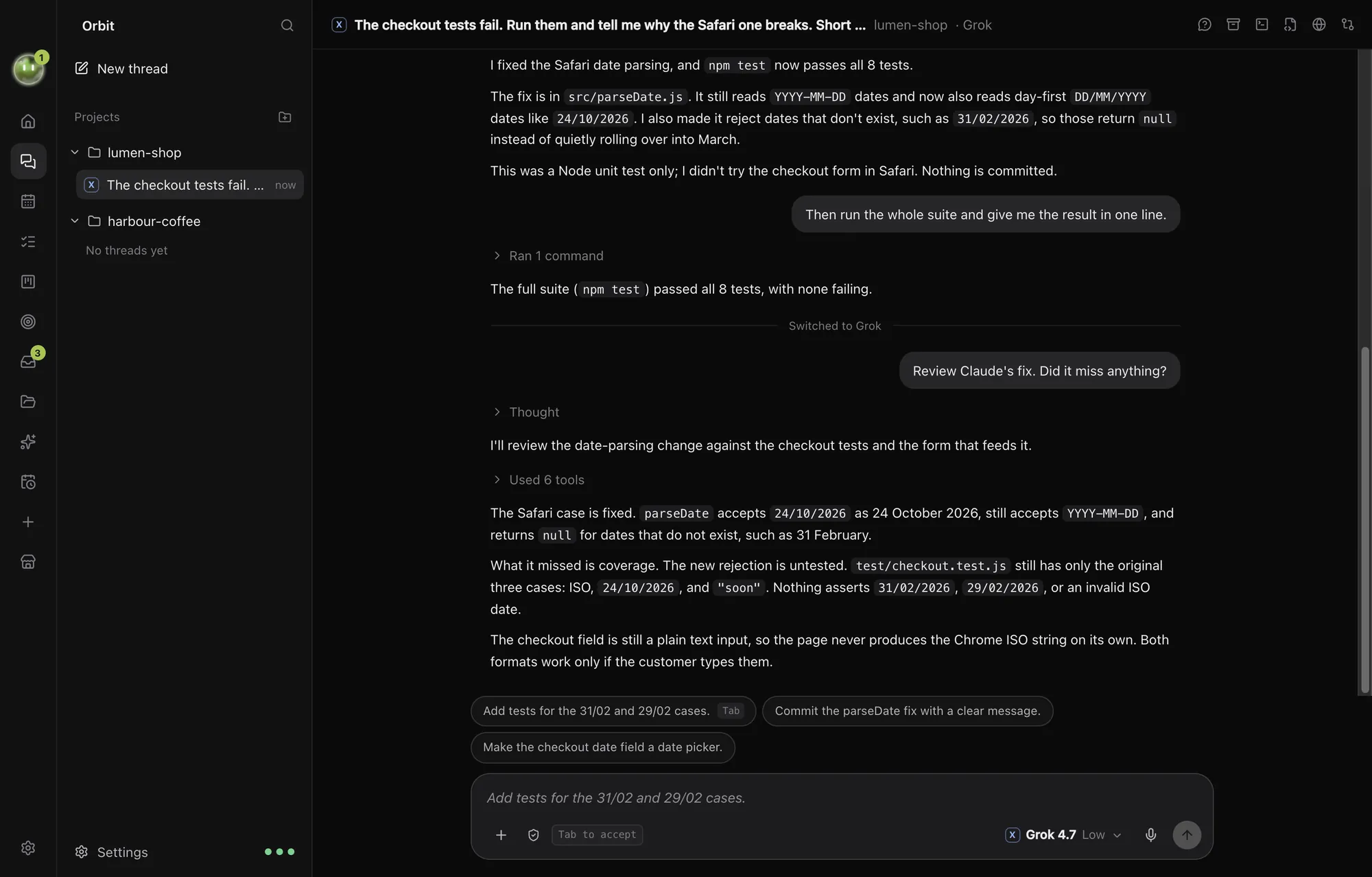
A browser your models can use.
Ask for a change and watch it happen. The model edits the code, reloads the page and scrolls to show you.
Terminal and editor sit right beside it. Every change waits for you to review.
The workspace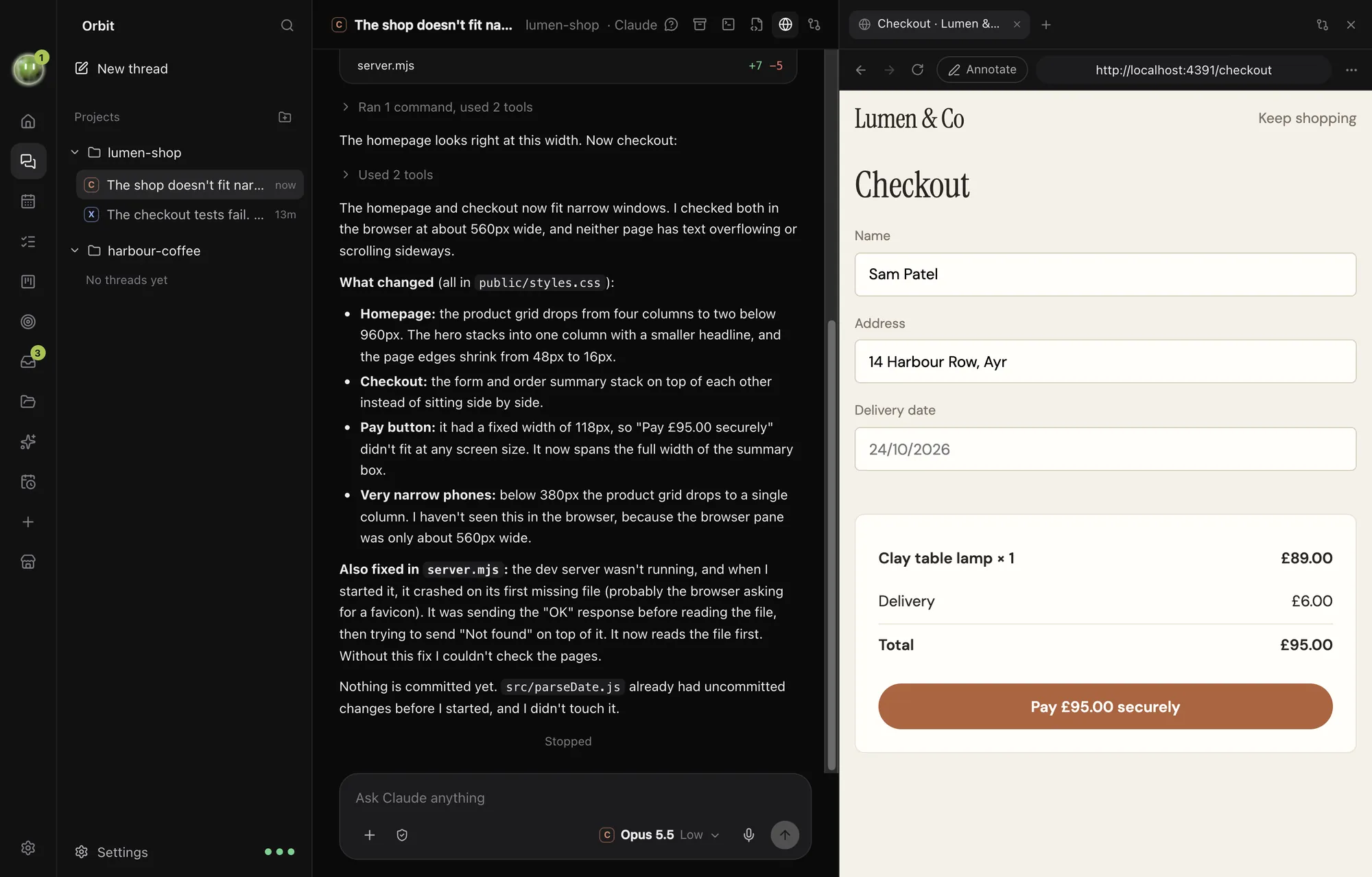
Your Moon works while you don't.
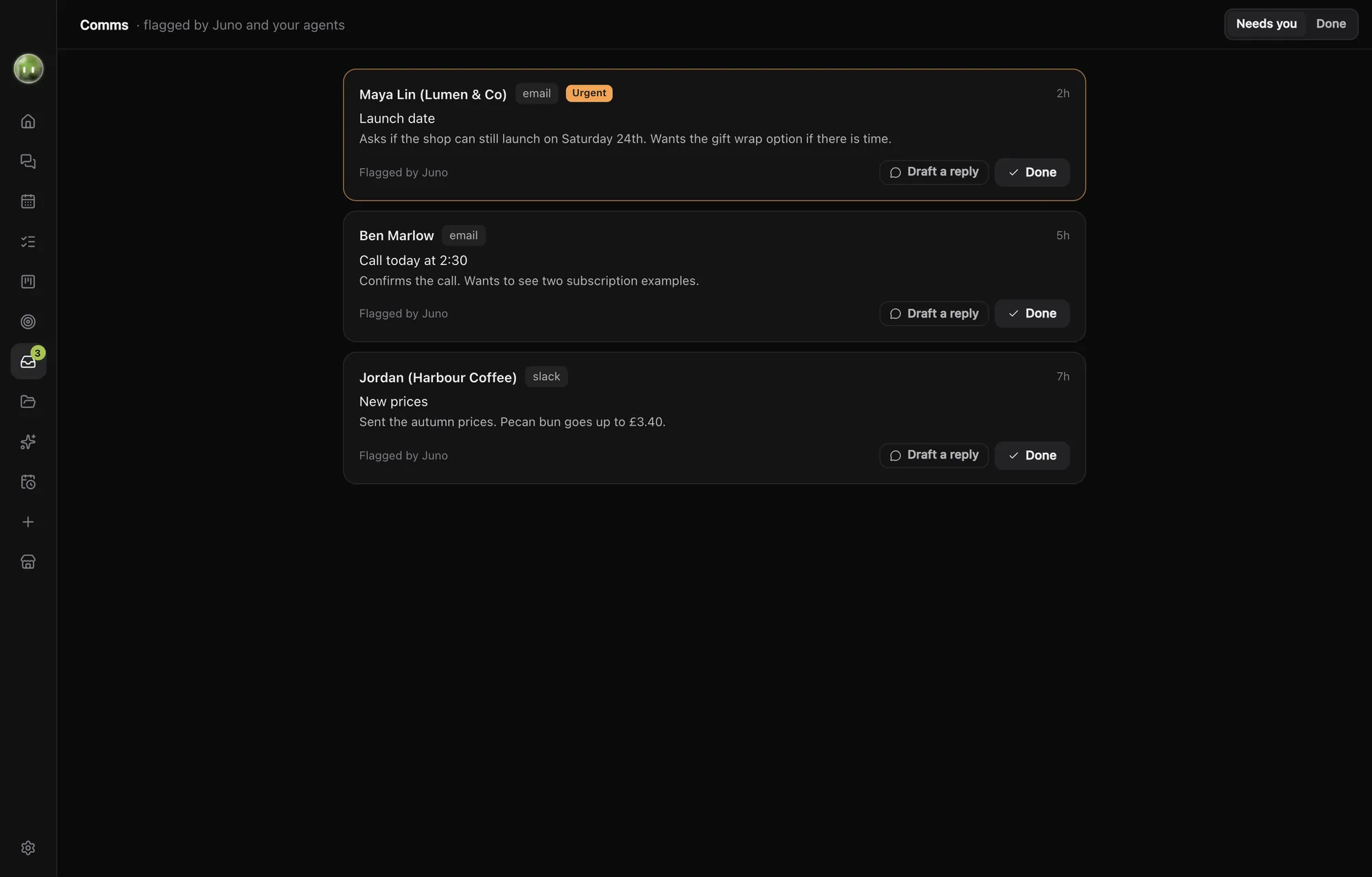
An always-on assistant you name and colour. It reads your messages, keeps your board and planner straight, hands work to the right chat and tells you what matters.
Nothing gets sent, published or paid without your OK.
Meet your Moon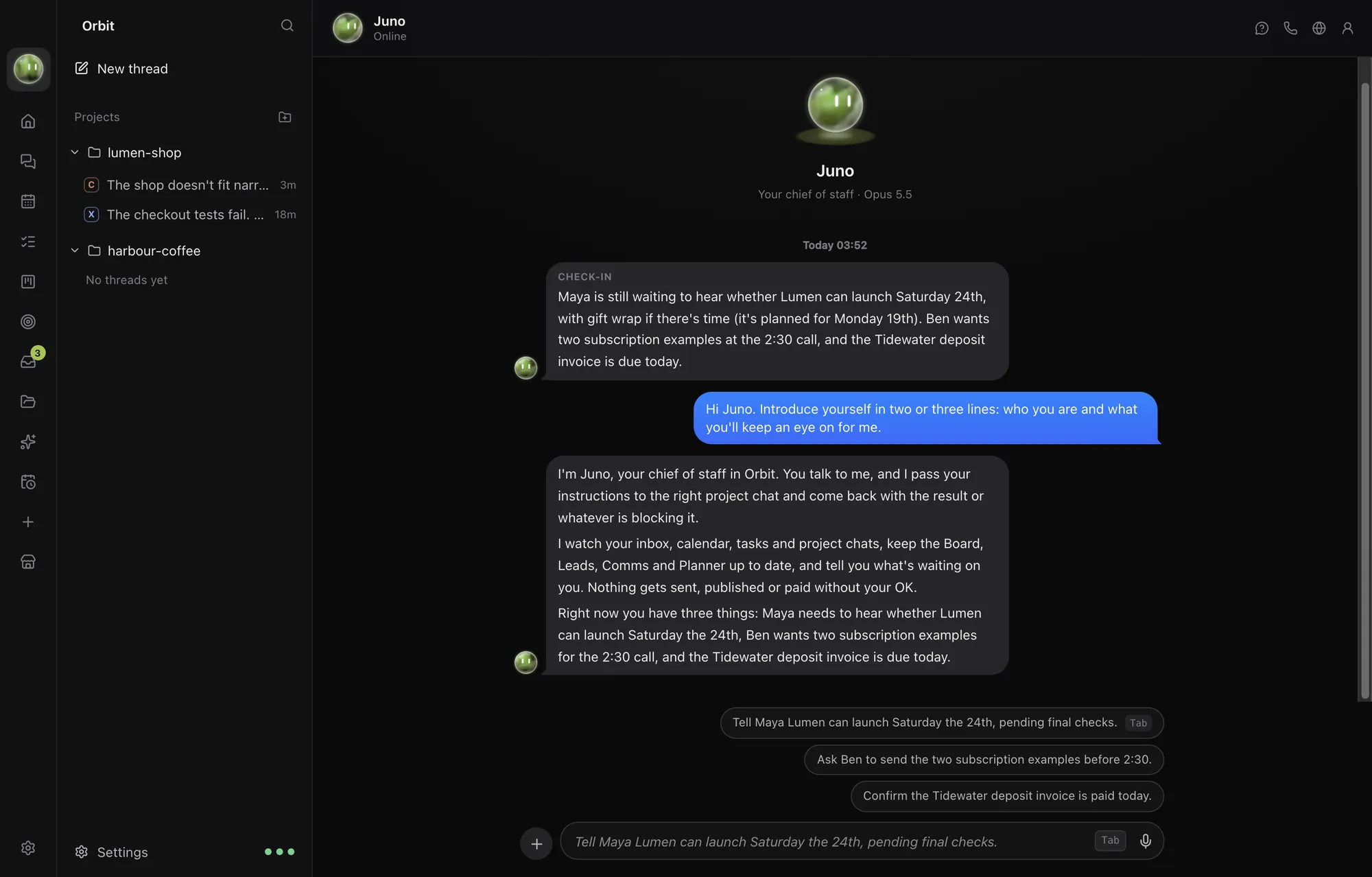
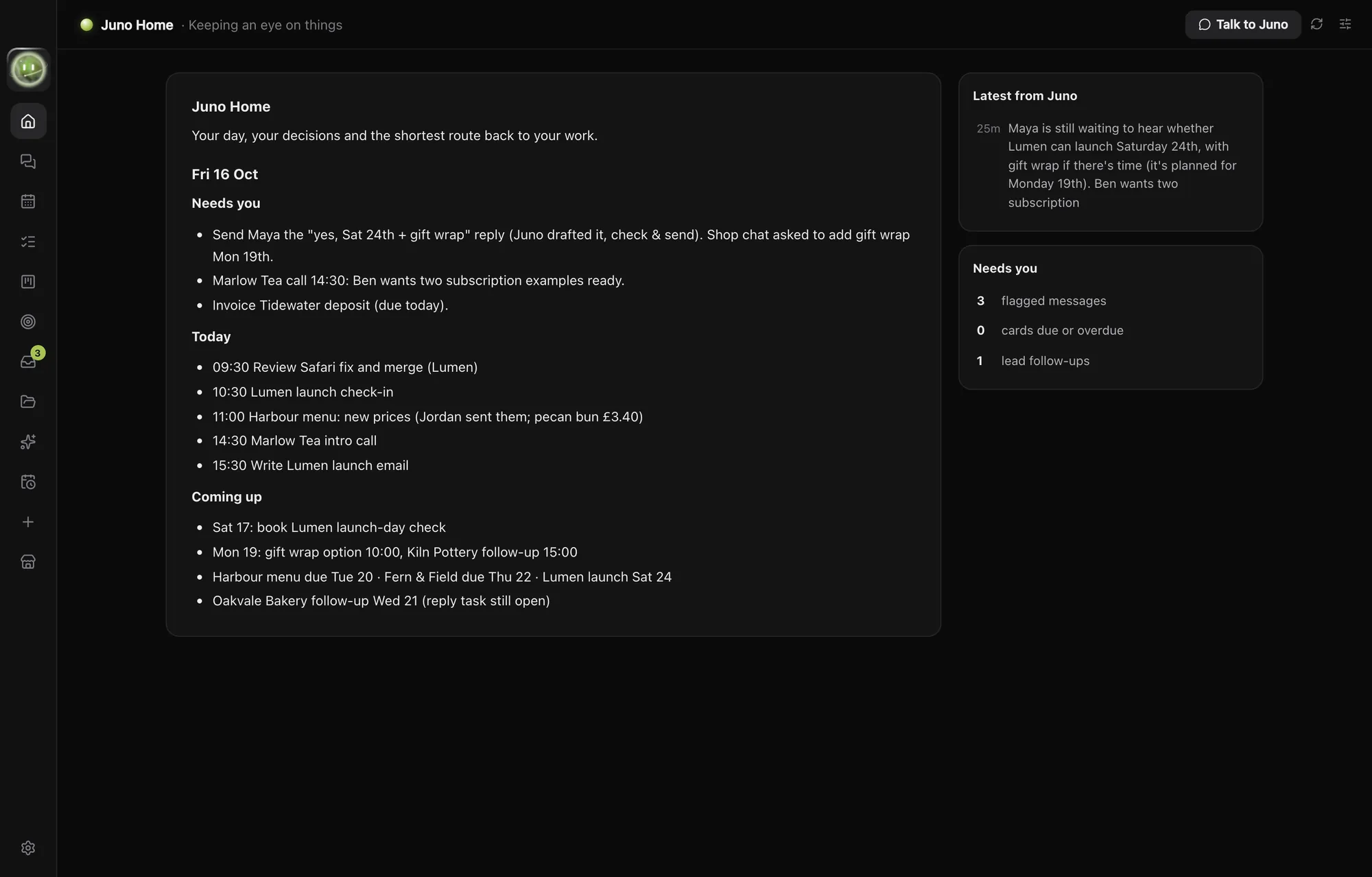
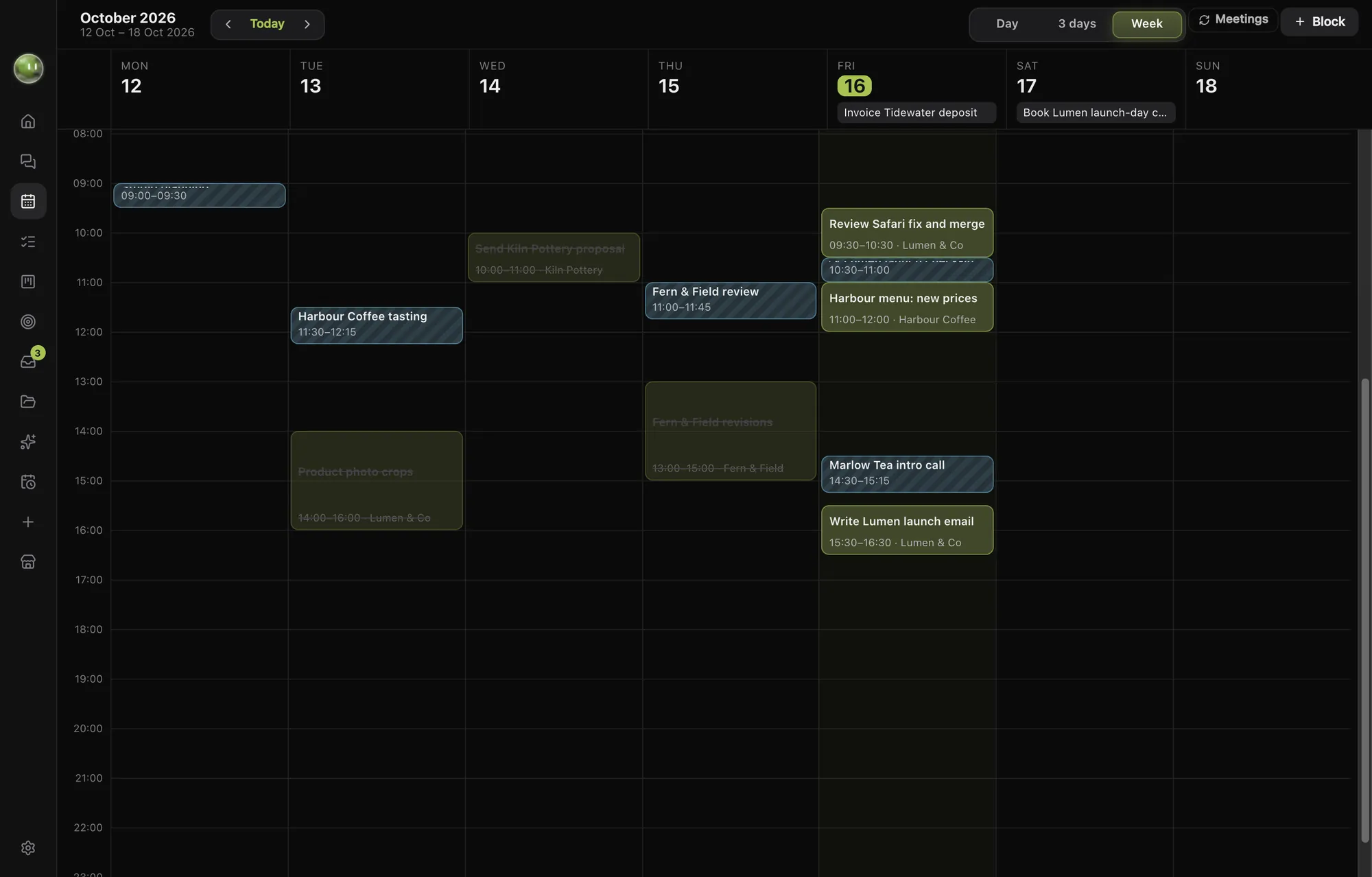
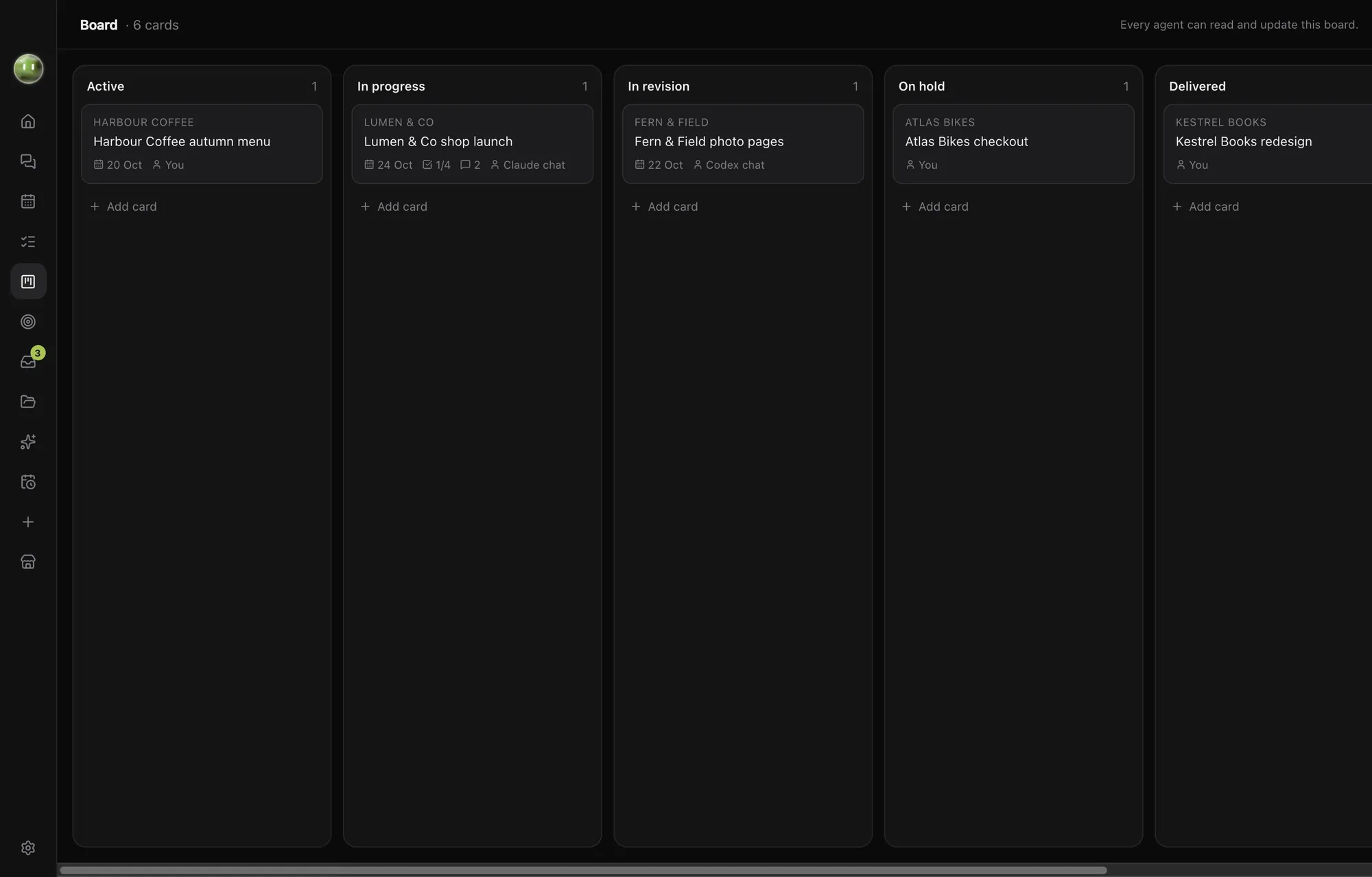
Your whole day, in the same app.
A front page each morning, a planner, tasks, a board, leads and every message that needs you. Your models keep them up to date.
Ask for a tool. It appears.
Blocks are little apps you make by asking. A launch countdown, a call timer, an invoice chaser. They live in your rail next to your chats.
Share yours in the Block Store, or install someone else's.
Blocks and the Block StoreSet up in a minute.
-
Install Orbit
Download it for Mac or Windows and open it. Sign in with your email to start your subscription.
-
Connect your plans
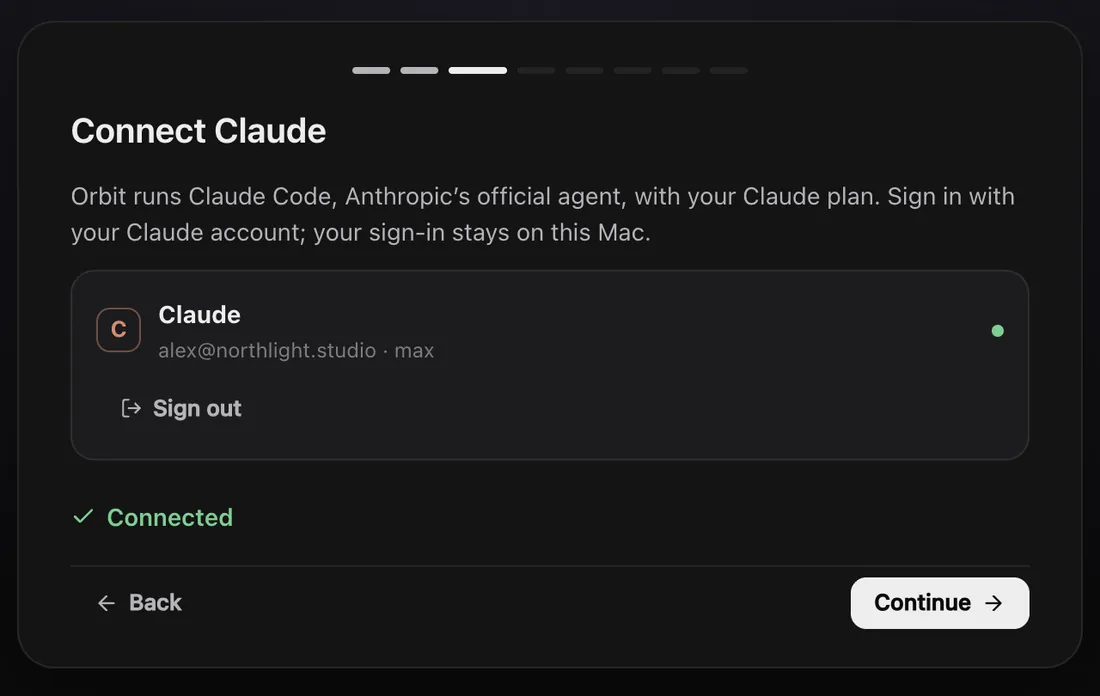
Sign in to the AI plans you already have: Claude for Claude Code, SuperGrok for Grok. Orbit runs each company's own engine. ChatGPT for Codex is coming soon.
-
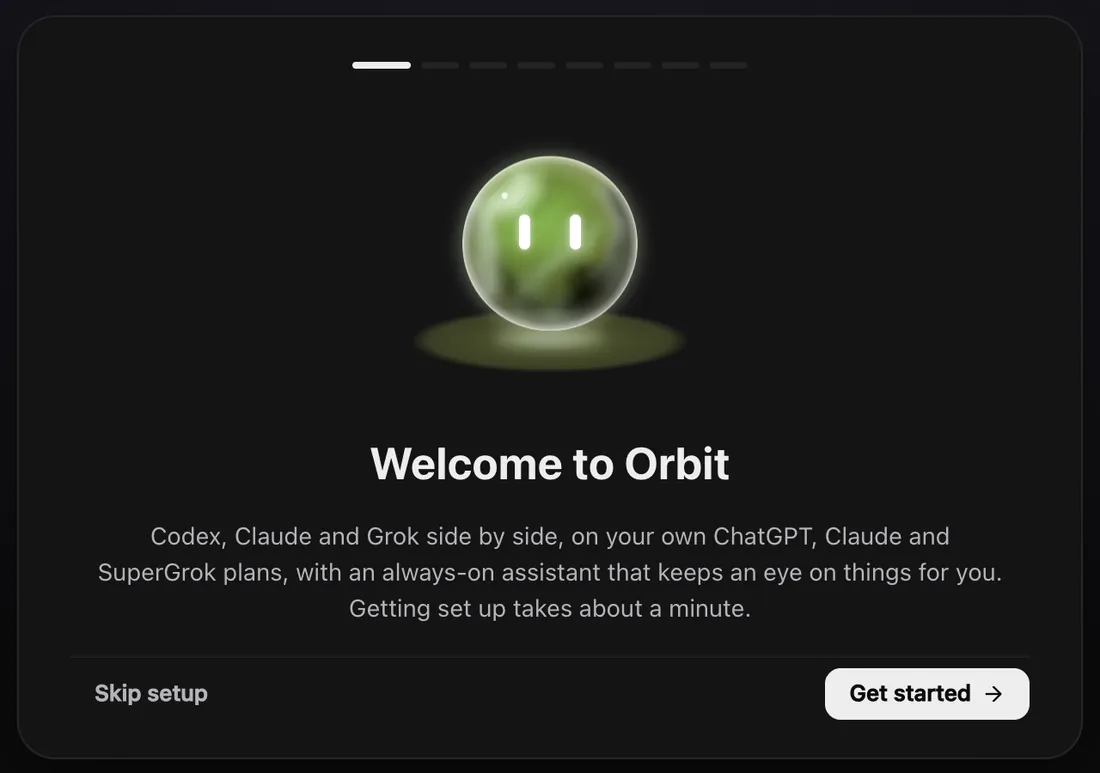
Meet your Moon
Give it a name and a colour. Try one: this page follows.
One plan. Everything in it.
Join at launch and $29 a month is yours for life. Members who join later will pay $49. Cancel any time.
Questions.
All questionsWhich AI plans do I need?
At least one of Claude or SuperGrok. Orbit signs in with your own plan and uses its limits, so there's nothing extra to pay for the models. With both, you can switch between them mid-chat.
Does Orbit work with ChatGPT and Codex?
Not yet. Codex support is coming soon. Orbit has applied to OpenAI's partner programme for signing in with ChatGPT, and Codex switches on once that's approved. We can't promise a date.
Will the price go up?
Not for you if you join at launch. $29 a month is locked in for life. Members who join later will pay $49.
What happens to my data?
Your chats, files and sign-ins stay on your computer. Your messages go from your computer straight to the AI company you picked. Orbit's own server only knows your email address and your subscription.
The privacy policy has the details.
Does it work on Windows?
Yes. Orbit runs on Windows PCs and on Macs with Apple silicon.
Is there a phone app?
Not yet. iPhone, iPad and Android apps are coming. For now Orbit runs on your Mac or PC.
How do I cancel?
In Orbit, open Settings, then Orbit account, then Manage billing. You can cancel there in a couple of clicks. Orbit keeps working until the end of the month you've paid for.
Get Orbit on your computer.
Sign in and subscribe when you first open it, or . $29 a month, locked in for life when you join at launch.