Docs and databases.
Orbs can write in them.
Pages for briefs, notes, SOPs and proposals, databases for anything with fields, and live editing with your team. Every Orb can read and edit them too.
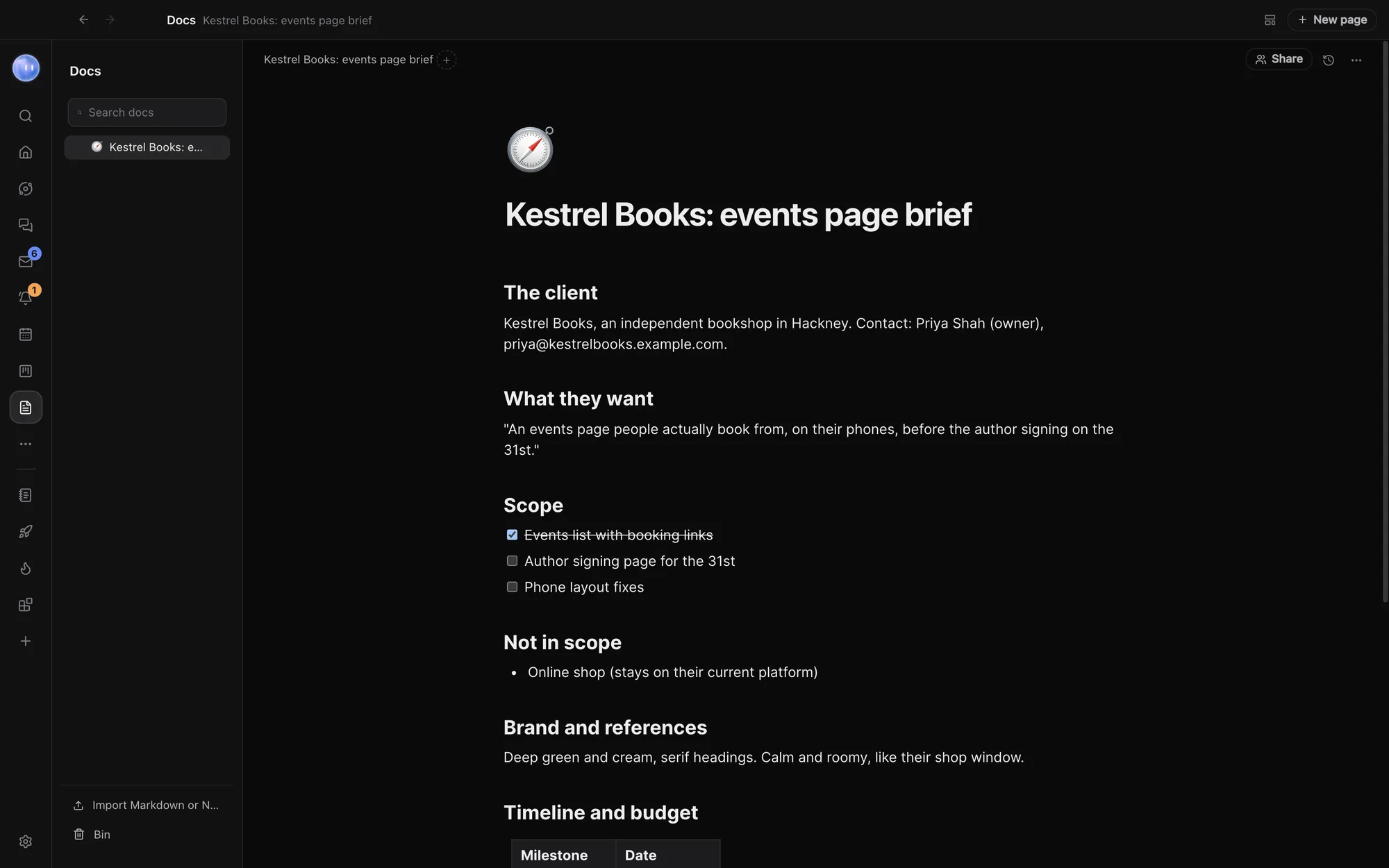
Type / for anything.
Start from a blank page or a template: Client brief, Meeting notes, SOP or Proposal. Type / for blocks and @ to mention a person, an Orb, a page or a project. Pages nest inside each other, and you can give each one an icon and a cover. Search docs looks through the text of every page, however deep it sits.
- Callouts, embeds and columns beside headings, lists, to-dos, code and tables
- Linked views of Projects, Leads, People, Tasks or Events, right in the page
- Ask an Orb to write at that spot, or rewrite, shorten or expand what you select
- Export as Markdown or PDF, or save as a template
Databases of your own.
Type /database in a page and name it: Invoices, Content calendar, Suppliers. Each row is a page of its own. Projects, Leads, People, Tasks and Events are databases too.
Show it as a table, columns, list, calendar, timeline or gallery, each view with its own filters, sorting and grouping. Calendar and timeline views place rows by a date field you pick, and a double-click on a view's tab renames it.
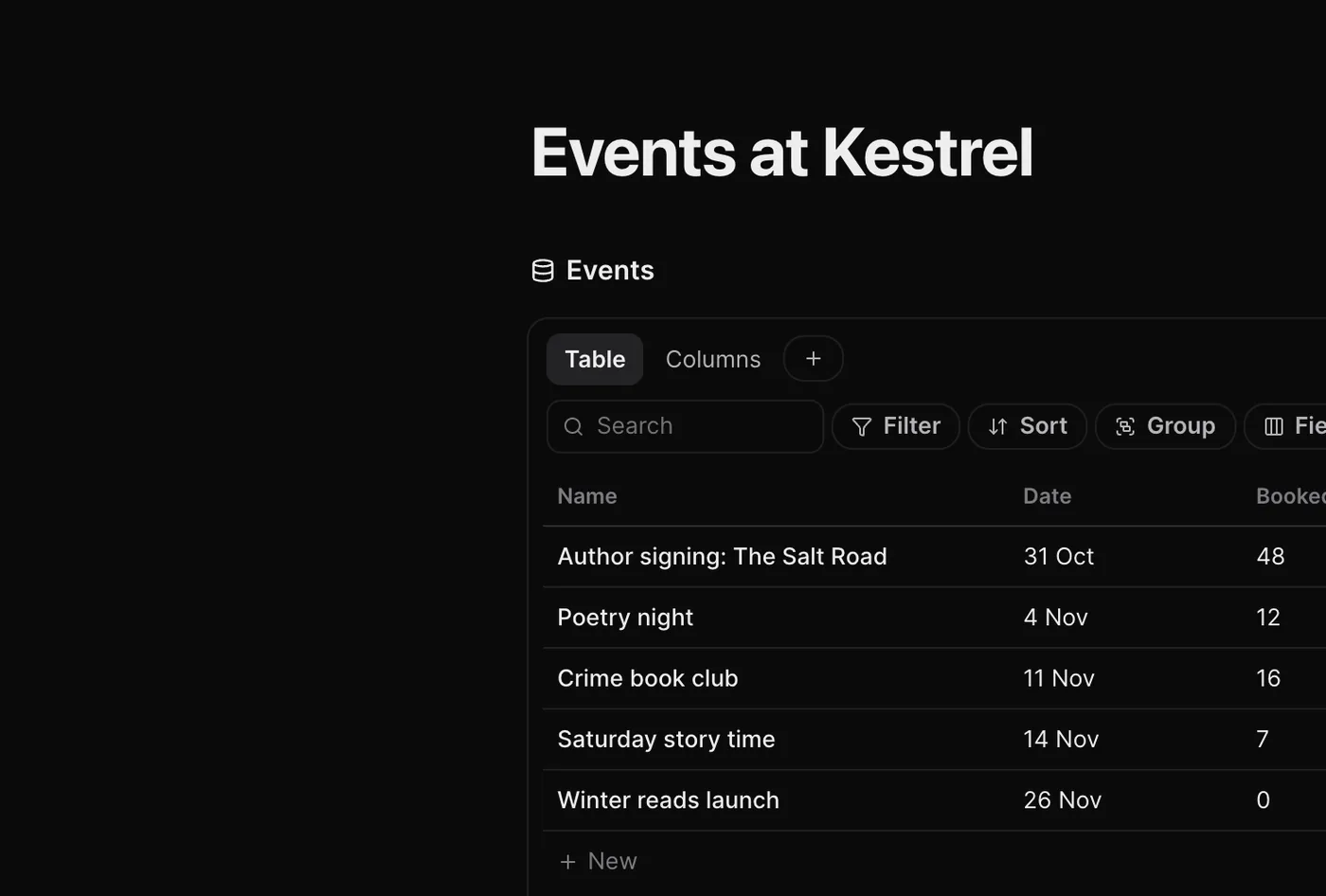
Fields that do the maths.
Text, number, select, person, date, files and more, plus Relation to link rows to another database, Rollup to total across it, and Formula for sums like Budget minus Spent. Every database also keeps Created and Last edited for each row.
Fill with an Orb asks your Moon to fill every empty cell in a column, like "the client's country from their website".
Your Orbs work in them too.
Your pages are kept on your computer as Markdown, so any Orb can make, read and edit them. Ask a project's chat to turn a call into meeting notes, or draft a proposal from the client brief.
Linked views aren't copies. A table of Tasks in a page shows the same records as everywhere else, with its own filters and layout, and changing a row there changes it everywhere.
Write together, safely.
On a team, press Share on a page and pick who edits it with you. You edit live and see each other's cursors, and their Orbs can read it too.
- Version history keeps a copy every ten minutes while you edit
- Before an Orb edits a page you don't have open, Orbit saves a version
- Restore puts an old version back, and ⌘Z undoes the restore
- The Bin keeps deleted pages for 30 days
- Bring pages in from Markdown files or a Notion export
- Stored on your computer as Markdown; shared pages are also on Orbit's server, encrypted at rest
Learn how: Docs and databases · Import from ClickUp, Asana and more · Teams and teammates
No more app switching.
7 days free, then $29 a month at the founding price, locked for life. On the AI plans you already pay for.