Your day,
on one page.
Home is your Moon's front page. What needs you, what's on today, what your Orbs are doing, and a briefing every morning and evening, arranged the way you like.
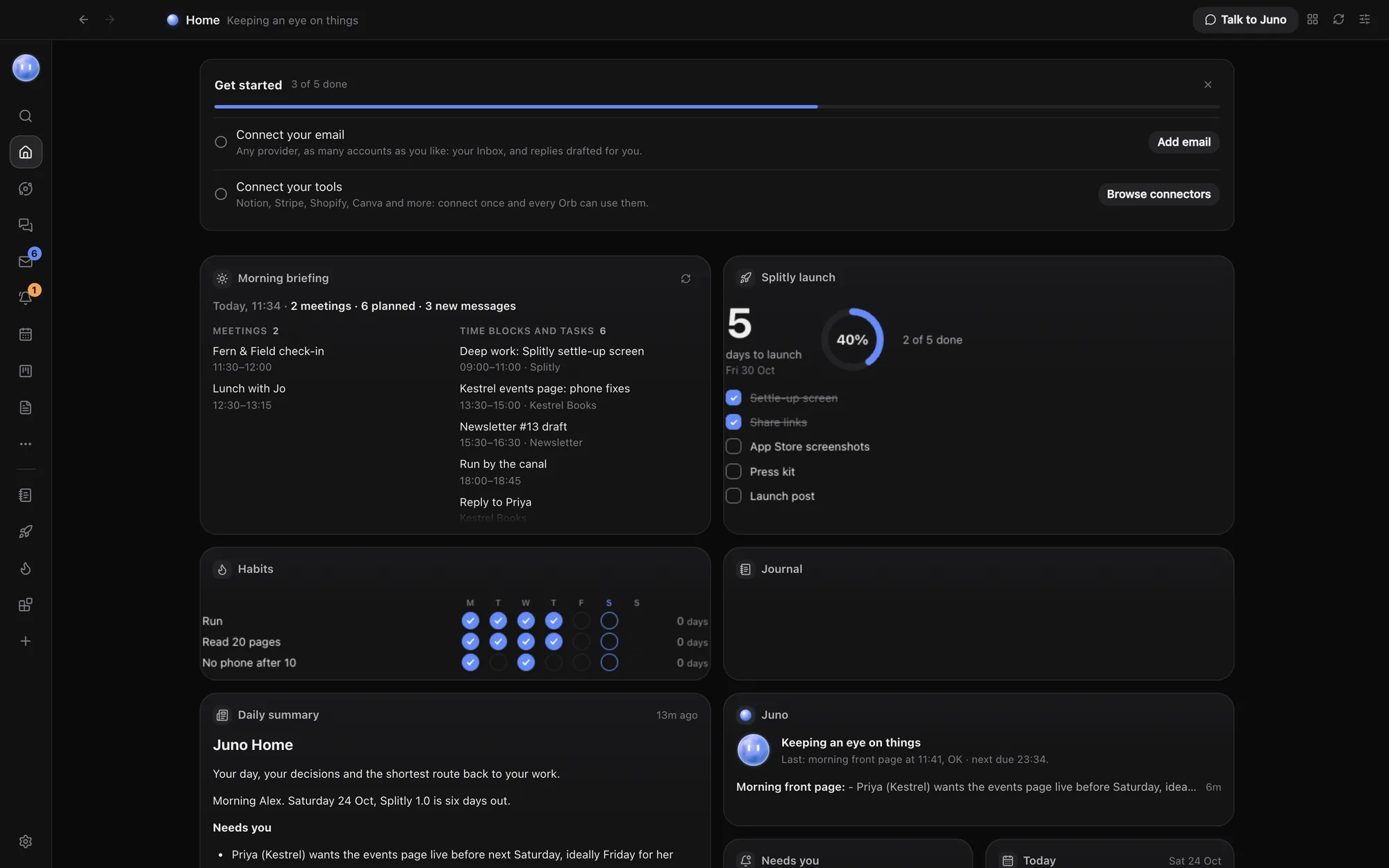
Widgets for everything.
Start with the Briefing, Daily summary, Moon, Needs you, Today, Comms and Working now. Pin more from the gallery whenever you want them.
- Needs you: flagged messages, cards due, lead follow-ups and approvals
- Today: blocks and meetings, with what's on now or next
- Tasks, Board and Sales: open tasks, projects by stage, pipeline value
- Approvals and Working now: chats waiting on you and Orbs at work
- Note and Shortcuts: a sticky note, and buttons to the places you open most
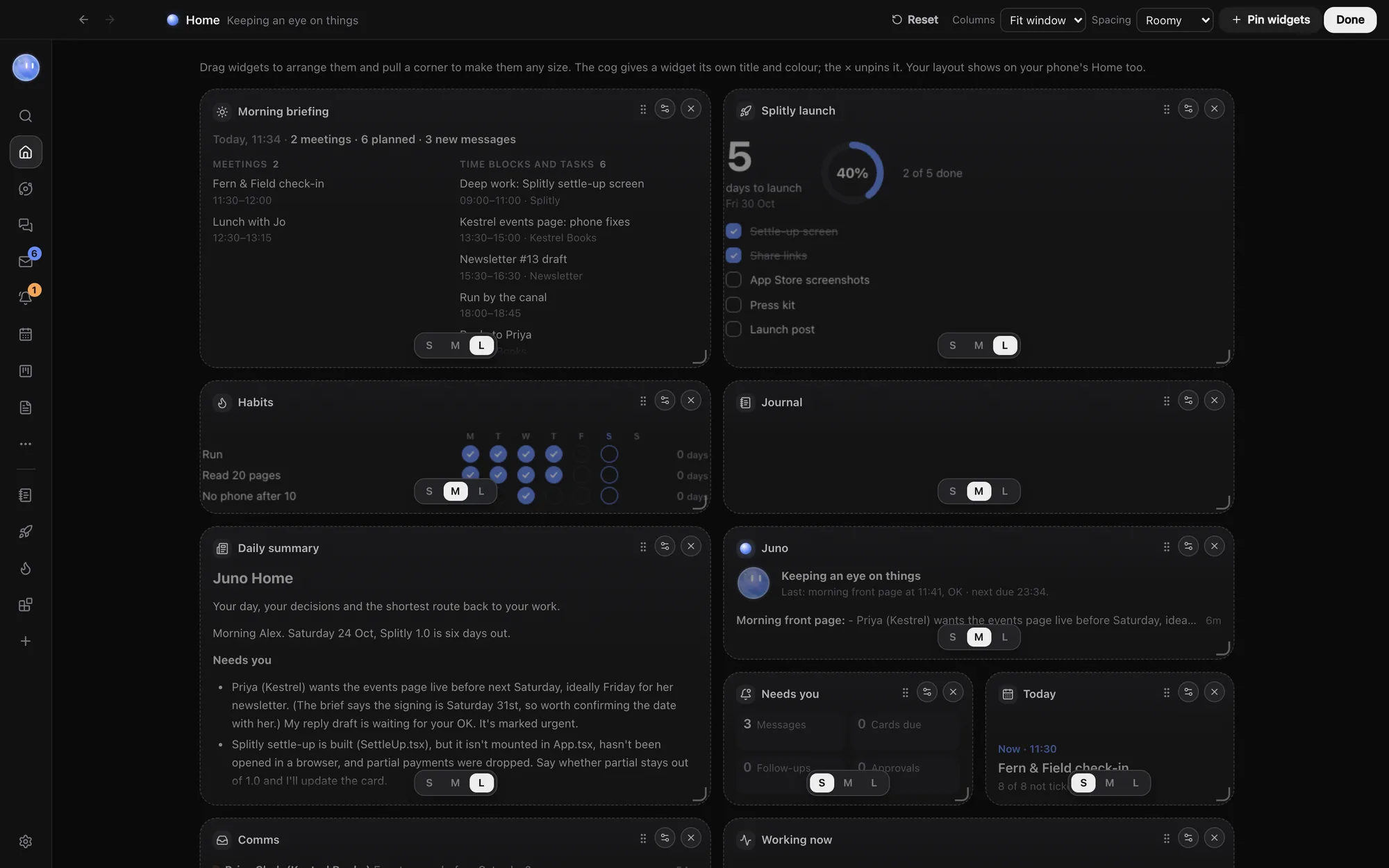
Arrange it your way.
Press Customise, drag widgets by their grip and pull a corner to make them any size. Give one your own title and accent colour, set the columns and spacing, then press Done.
Your layout is saved with your settings, so the phone app shows the same widgets, stacked.
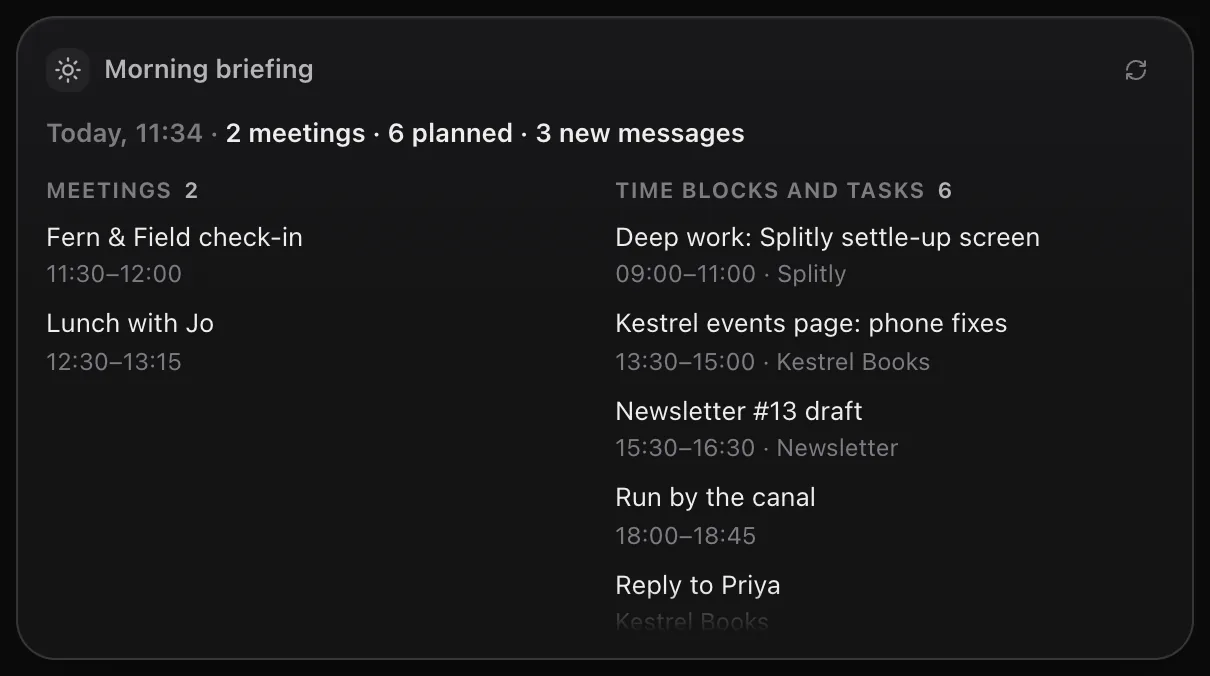
Briefed morning and evening.
The morning briefing lists today's meetings, your plan, what's due, what's waiting on you and what your Moon did overnight. The evening one covers what got done, what slipped and tomorrow.
Orbit builds briefings on your computer from what it already has. No AI model runs to make one, so it costs nothing from your plan. Each line links to where it lives: a meeting opens the Planner, a project opens the Board.
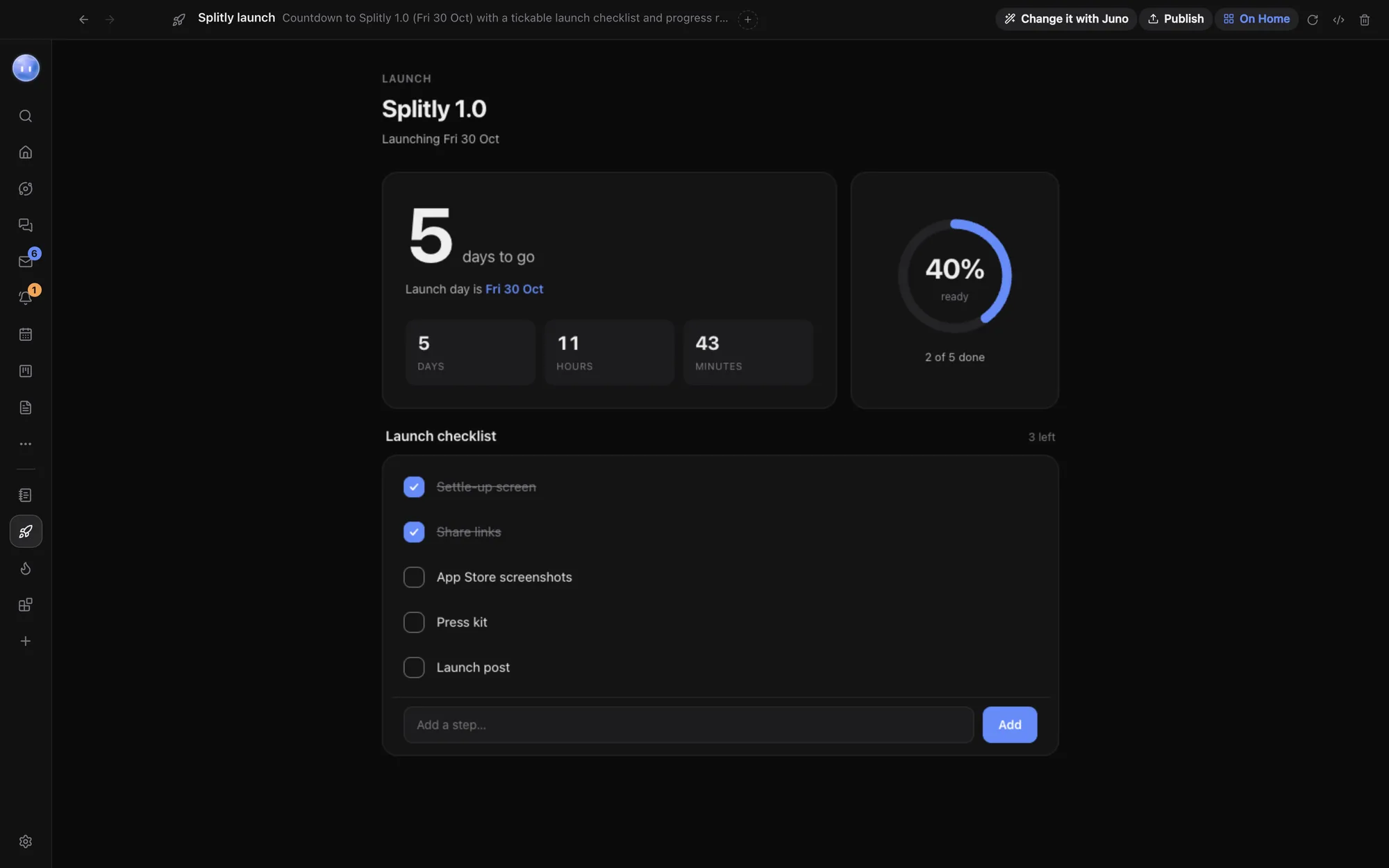
Your blocks live here too.
Blocks you make or install from the Block Store show up under Your blocks in the gallery. Pin one and it shows its data at a glance, like a launch countdown or a habit tracker.
The Journal is a block as well, so today's check-in can sit right on Home. Notes are the one widget you can pin more than once, each with its own text, so a goal for the week and a reminder can sit side by side.
Your Moon, front and centre.
Home's header shows your Moon and what it's doing, like "Keeping an eye on things" or "Quiet hours". Talk to Juno opens its chat, and Check in now asks it to look over everything straight away.
On a new copy of Orbit, a Get started card walks you through five steps: connect a model, add a project folder, connect your email, connect your tools and say hello to your Moon. Hide it when you're done.
On your phone, on time.
With the phone app paired, briefings arrive as a notification that opens them. Set the times in your Moon's settings, or press Brief me now for one straight away. In quiet hours, the morning one waits until they end.
Learn how: Home and widgets · Briefings · Make a block
No more app switching.
7 days free, then $29 a month at the founding price, locked for life. On the AI plans you already pay for.