Your day,
planned in blocks.
The Planner puts your time blocks, tasks and meetings on one grid. Draw a block, drag it to another day, or ask an Orb to plan your week around your meetings.
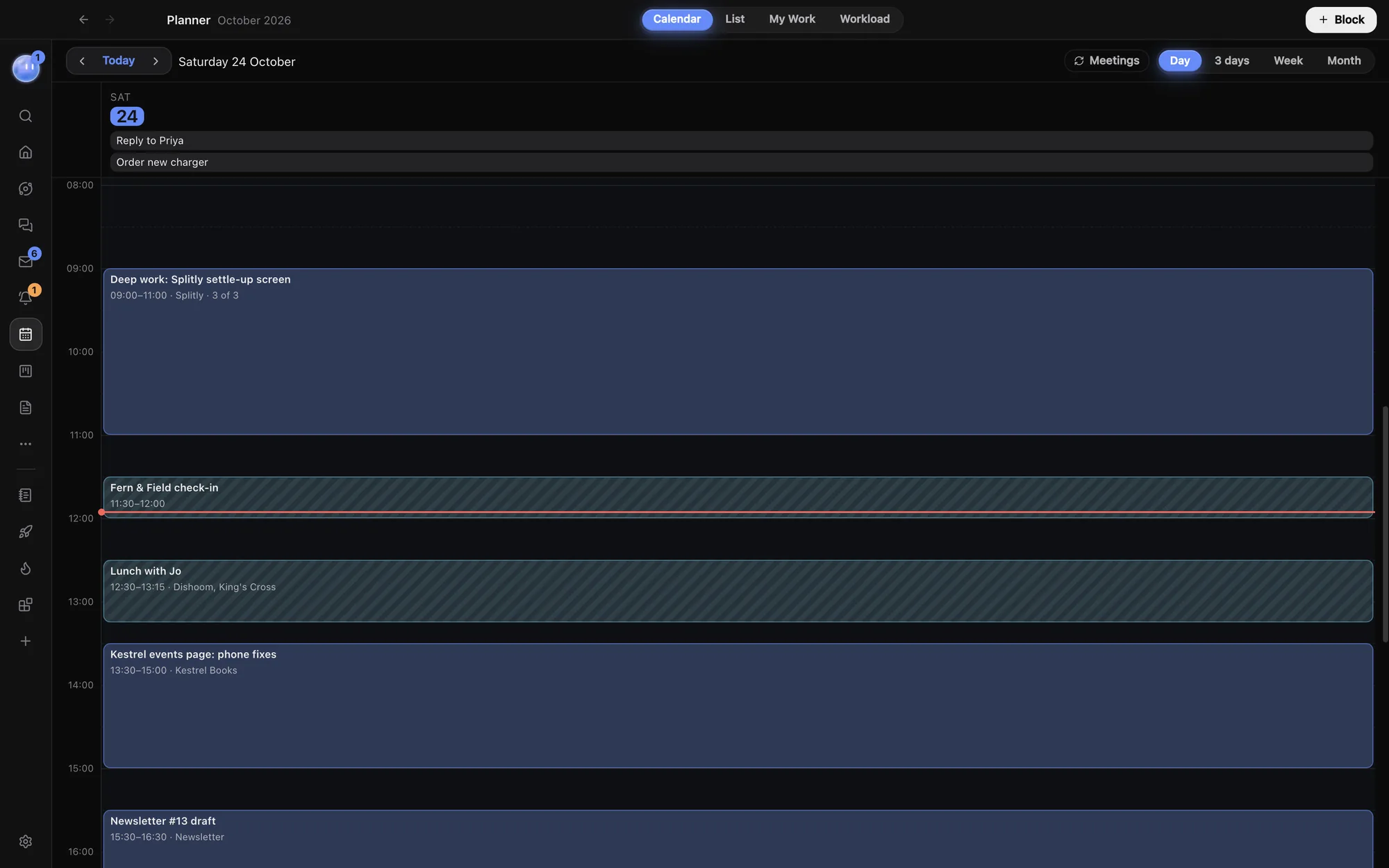
Draw your day.
Drag down an empty part of the grid and type what you're doing. That's a time block: a task with a time. Drag it to move it, even to another day, and drag its edge to change its length.
Or click Block in the header to start one shortly after now. With Google Calendar connected, a Calendar event button turns a new block into an event with guests instead.
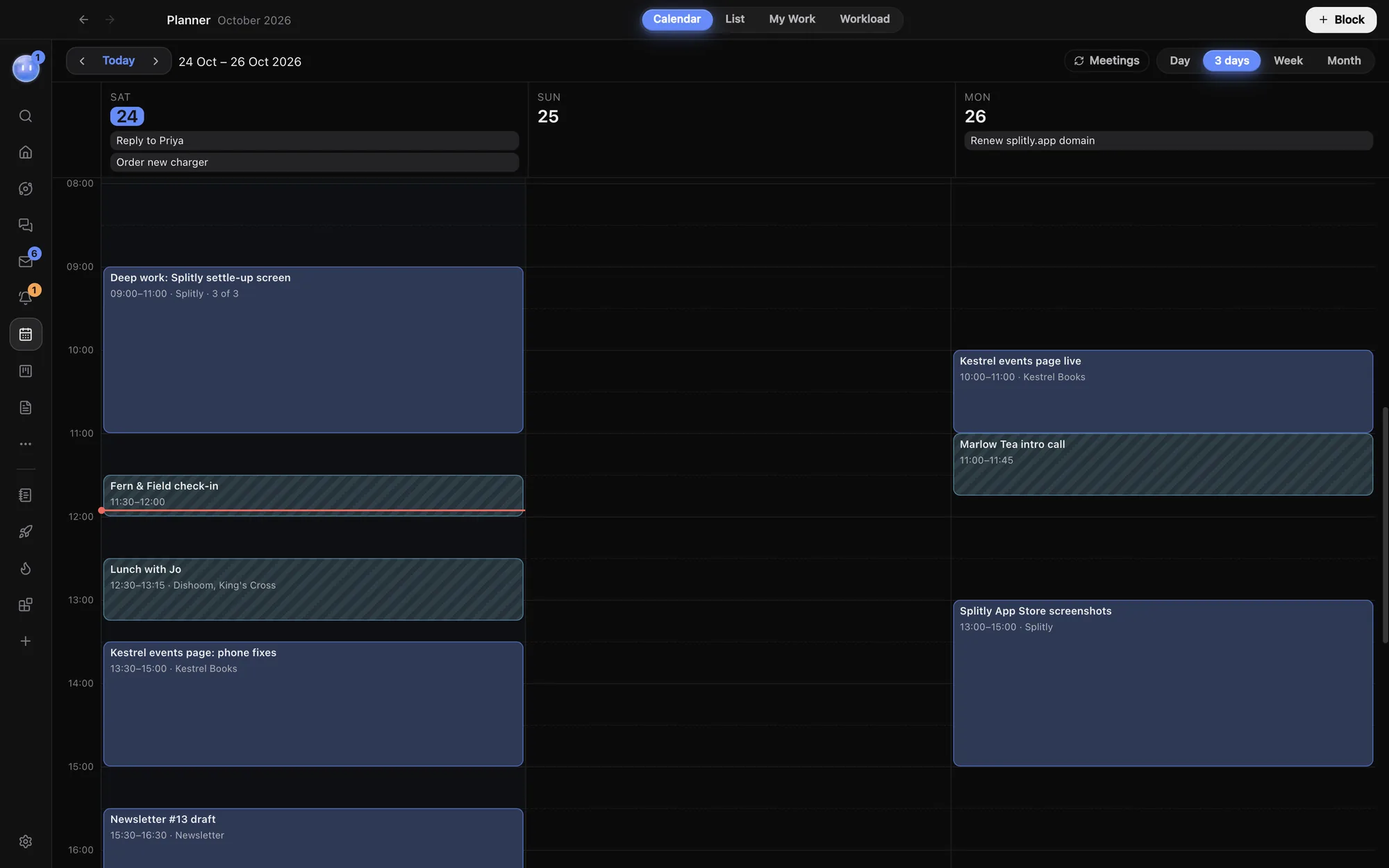
Zoom out to the week or month.
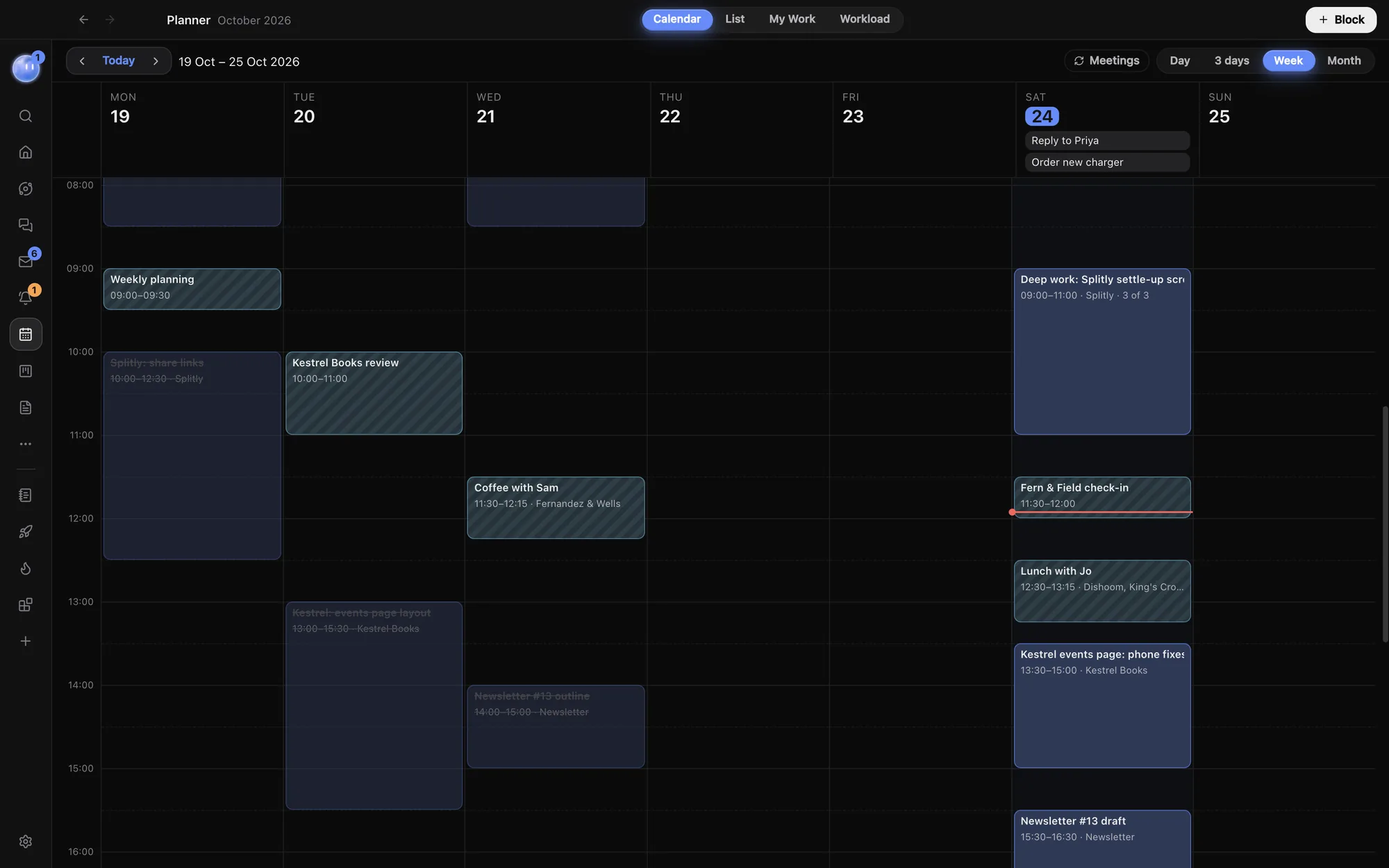
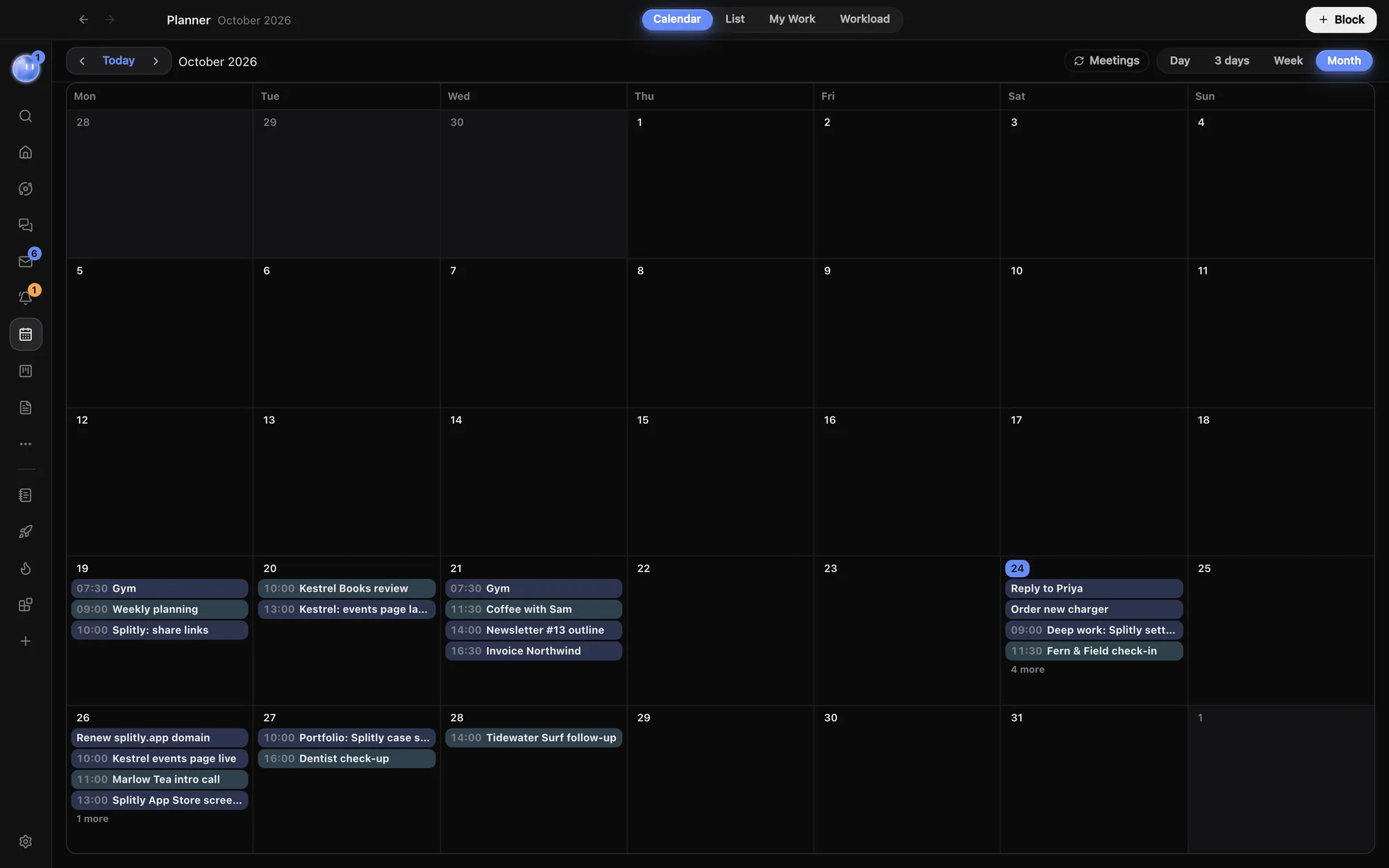
Switch between Day, 3 days, Week and Month from the toolbar. Done blocks fade, meetings are striped, and a full day in Month shows how many more it holds. Click a date to open that day.
Google Calendar, both ways.
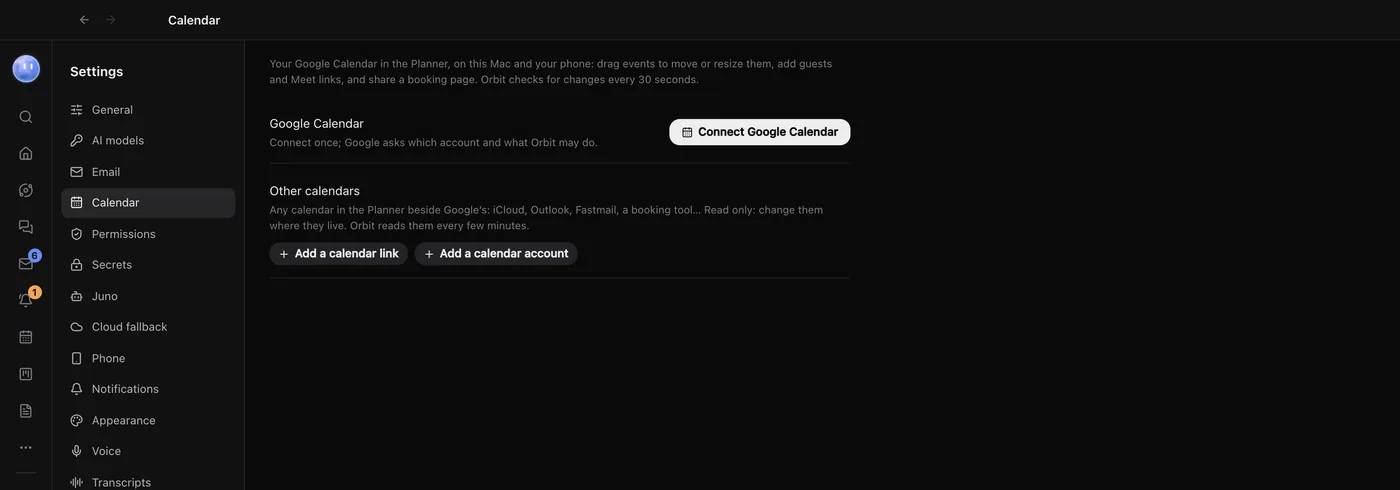
Connect Google Calendar and your meetings sit next to your blocks. Drag events you organise to move them, and add new ones with guests and a Google Meet link. Changes go back to Google.
Guests are only emailed when you say so. iCloud, Outlook, Fastmail and booking tools can show their events too, read only.
A booking page of your own.
With Google Calendar connected, make a page anyone can open to book time with you. It only offers free times inside your working hours, adds a Meet link and emails you both.
- Meeting types like a 30-minute intro call, each with its own link
- Buffers and notice before and after, and how far ahead people can book
- Require my approval holds the slot until you say yes in the Planner
- Taking bookings off pauses the page
More than a time.
Times snap to 15 minutes and overlapping blocks sit side by side. Open a block to give it everything a task can hold. To keep a task on its day without a time, take it off the grid and it waits in the List.
- Starts and Due: the dates the work runs between
- Estimate: how long it should take, added up in Workload
- Repeat: every day, every weekday, every week or two, every month, every 3 months or every year
- Blocked by other tasks, sub-tasks to tick off, and a project tag
- Meetings with a video link get a button to join the call
Let an Orb plan it.
Any Orb, and your Moon, can read and change the Planner. Say "Block two hours each morning this week for the Splitly build, around my meetings" and the blocks appear, each showing which chat added it. The Planner is on your phone too, with Day and 3 days views you swipe between.
Learn how: Planner · Google Calendar · Tasks and My Work
No more app switching.
7 days free, then $29 a month at the founding price, locked for life. On the AI plans you already pay for.