Move in
in one go.
Bring your projects, tasks, sub-tasks, comments and people over from ClickUp, Asana, Trello, monday.com, Todoist or Notion. Then your Moon tidies up after the move.
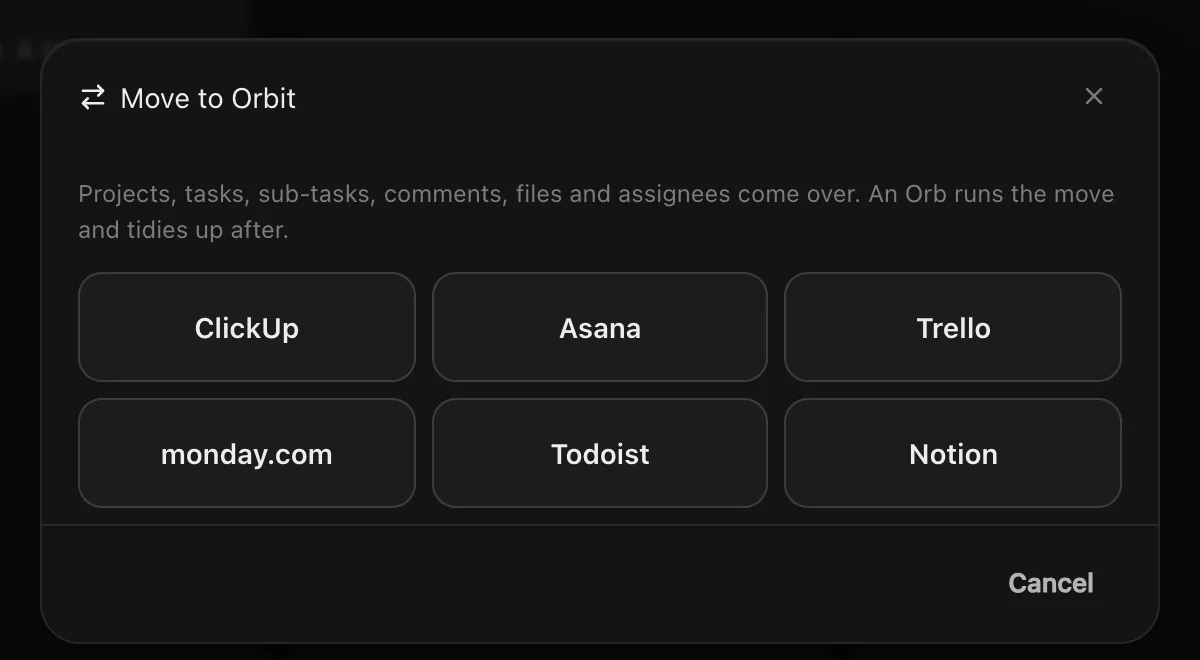
Two ways to move.
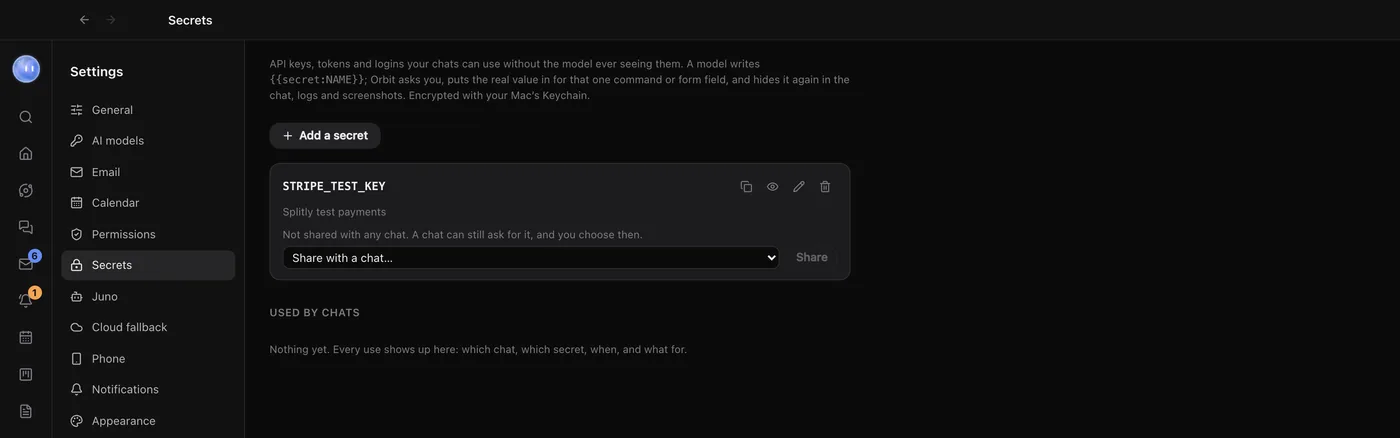
Straight from your account: all six apps. Orbit opens the page where the app makes your key and shows you the steps, then reads every project, task, sub-task, comment, file, assignee and date itself. The key is kept in your Secret box, where Orbs can use it but never see it.
From an export file: all six apps work this way. Export from the old app, choose the file, and Orbit reads it on your computer. No key needed.
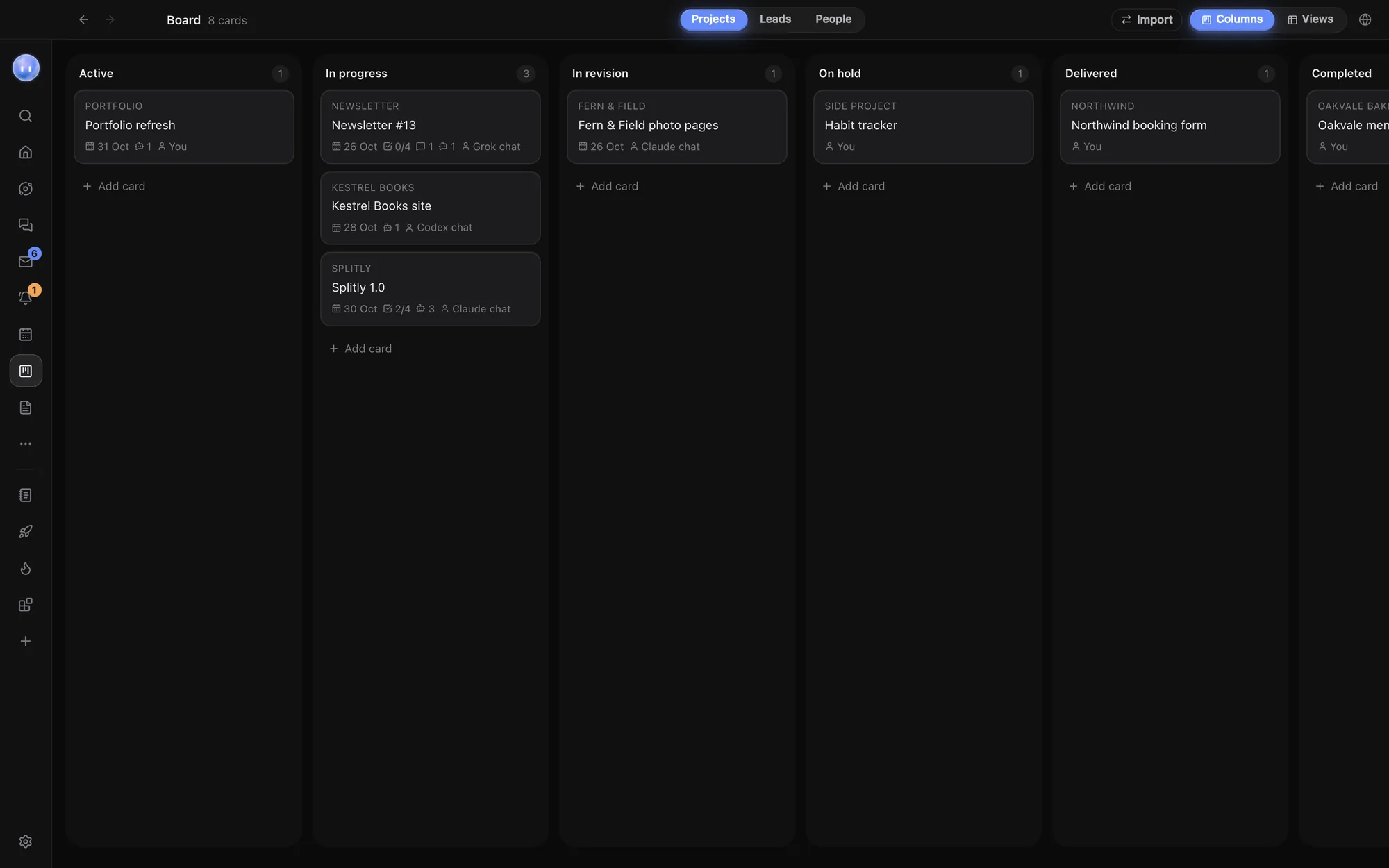
What comes across.
Each app's lists, boards or projects become projects on your Board, statuses go into a Status field and tags into a Tags field, and their tasks keep what matters. Assignees become People records, one per person, and attachments come over as links in the task's notes.
- ClickUp: each List, with statuses, dates, tags, assignees, estimates, sub-tasks, comments and attachments
- Asana: each project, with sections as statuses, dependencies and sub-tasks
- Trello: the board, with lists as statuses, labels as tags and checklists as sub-tasks
- monday.com: the board, with timelines, people, updates and sub-items
- Todoist: the project, with sections, labels, repeats and indented tasks as sub-tasks
- Notion: pages become Docs, nested as they were, and each database becomes an Orbit database
Your Moon tidies up.
Leave tidying on and your Moon gets a short brief straight after the move. It merges duplicate people, fills in what it can about them, puts each project in the right Board column and files loose tasks under the right project.
Anything it's unsure of, it leaves alone. When it's done, it gives you a short list of what came over and anything that looks wrong, so you can check the move in a minute instead of hunting through every project.
Export files, in short.
No key needed for this route: export from the old app and pick the file, or several at once, in Orbit's import window.
- ClickUp: a CSV from Settings, Imports / Exports
- Asana: a CSV from the project's menu, one per project
- Trello: JSON from Print, export and share, one per board
- monday.com: Export board to Excel, one per board
- Todoist: Manage data, Export as CSV; completed tasks aren't included
- Notion: Export all workspace content as Markdown and CSV
Your old tool stays as it was.
Orbit only reads the export file, or reads your account with your key, and copies into Orbit. Nothing changes in ClickUp or the others. Run it again any time: what's already over is skipped, so a second import only adds what's new.
Learn how: Import from ClickUp, Asana and more · The Board · Connectors
No more app switching.
7 days free, then $29 a month at the founding price, locked for life. On the AI plans you already pay for.