Help/Your day
The Board: projects, leads and people
The Board is where your work and your sales live: projects in delivery columns, leads in sales stages, and a People list with everything you've had with each person.
Three sides of the Board
Click Board in the left rail, then pick a tab at the top:
| Tab | Columns |
|---|---|
| Projects | Active, In progress, In revision, On hold, Delivered, Completed |
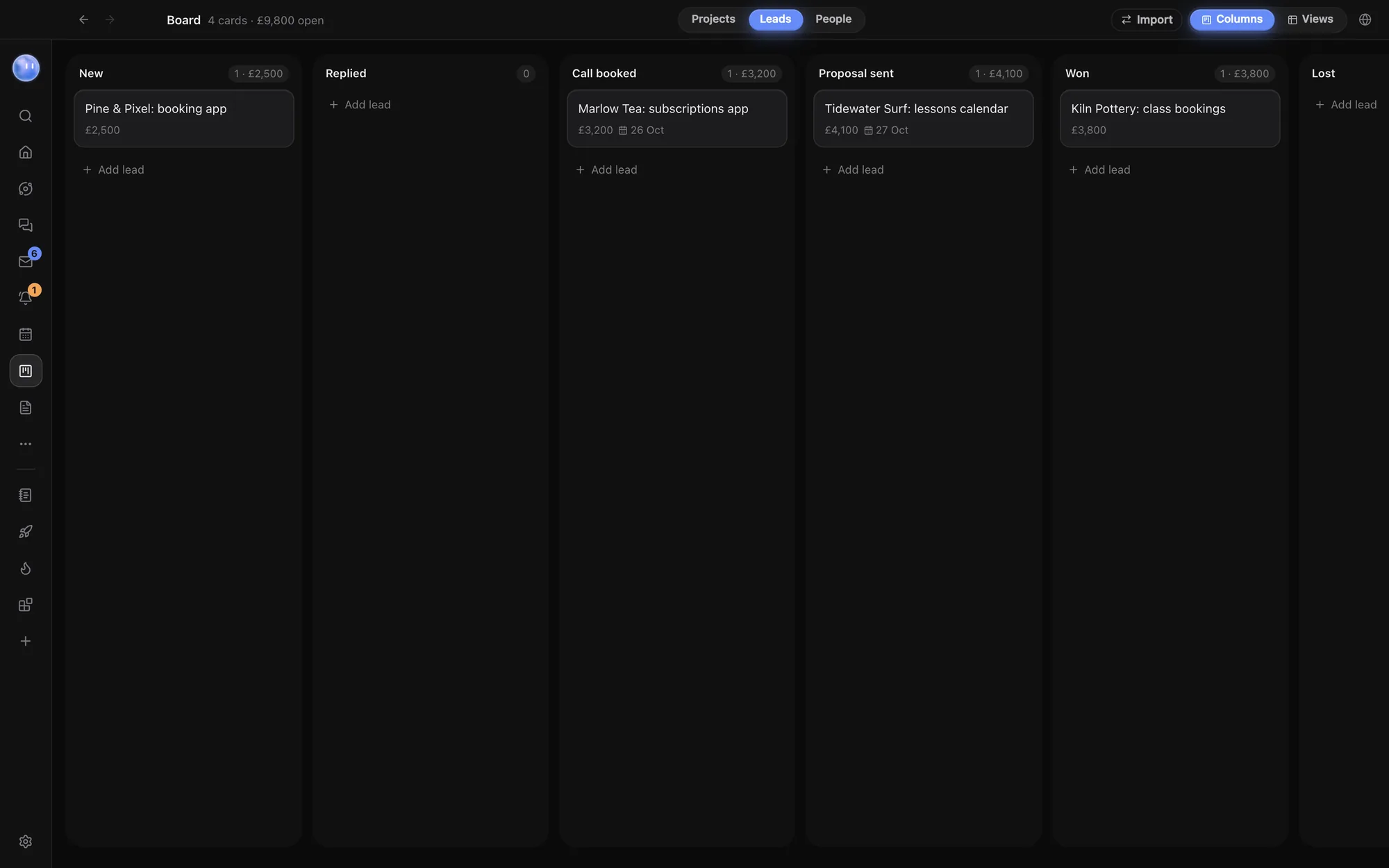
| Leads | New, Replied, Call booked, Proposal sent, Won, Lost |
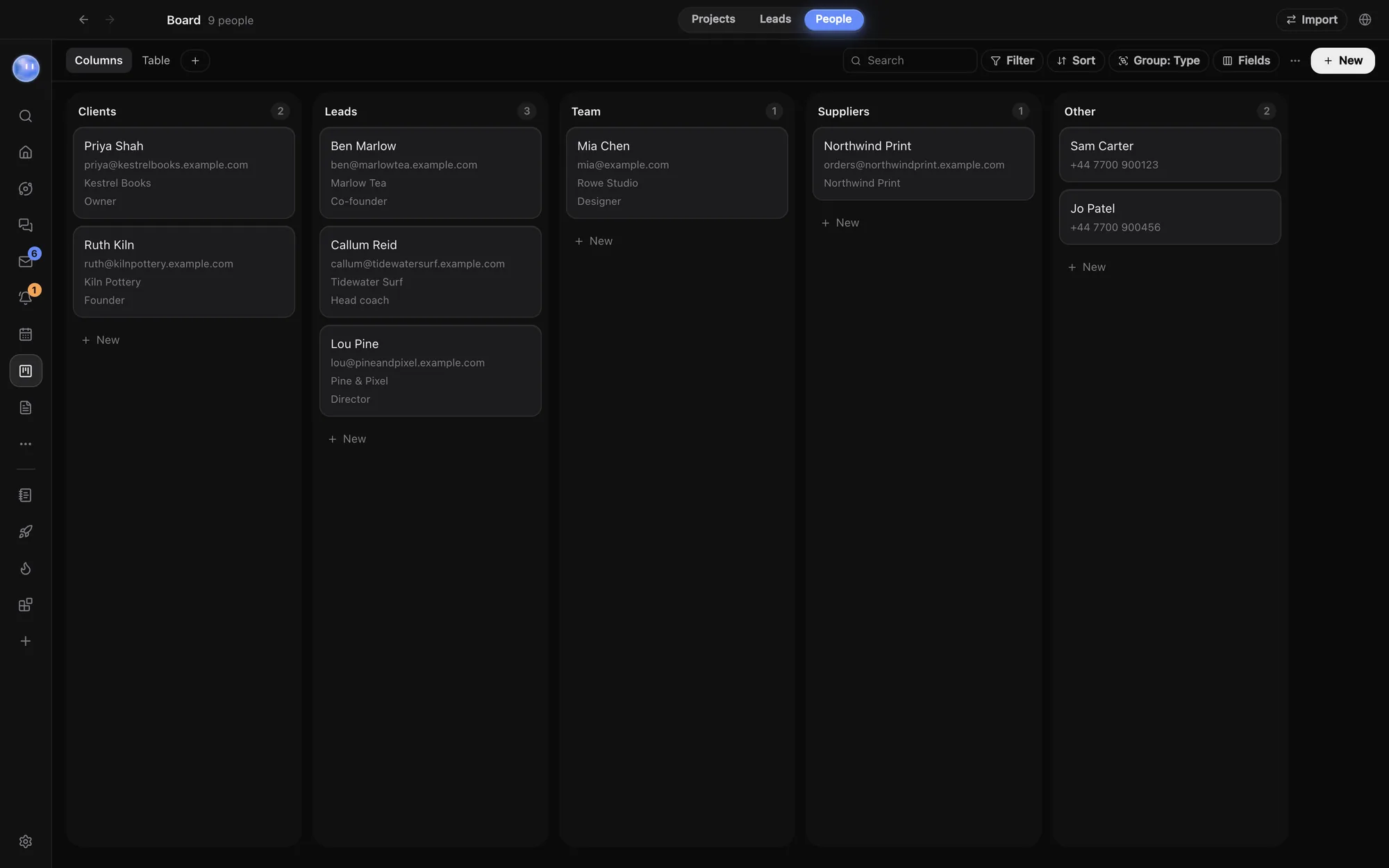
| People | Clients, Leads, Team, Suppliers, Other |
The header counts your cards. On Leads it also shows the value of open leads (everything not Won or Lost).
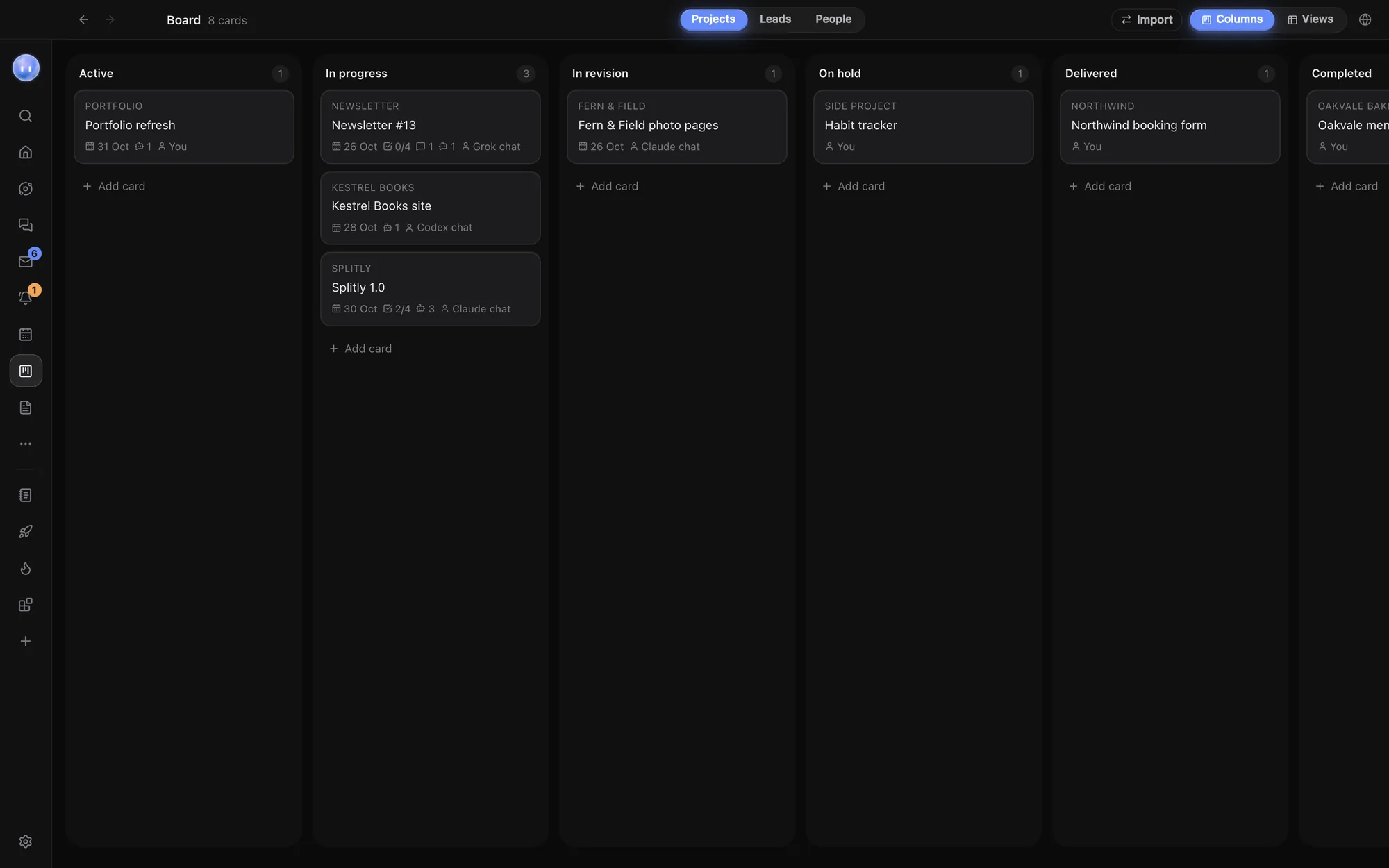
Add and move projects
- On Projects, click Add card at the foot of a column (on Leads it says Add lead).
- Type a Card title and press Enter.
- Drag the card between columns as the work moves on.
Each folder you add to Orbit gets a project card too, so your code projects and client work sit on the same Board. A card turns late once its due date has passed and it isn't Delivered or Completed.
What's on a project card
Click a card to open it.
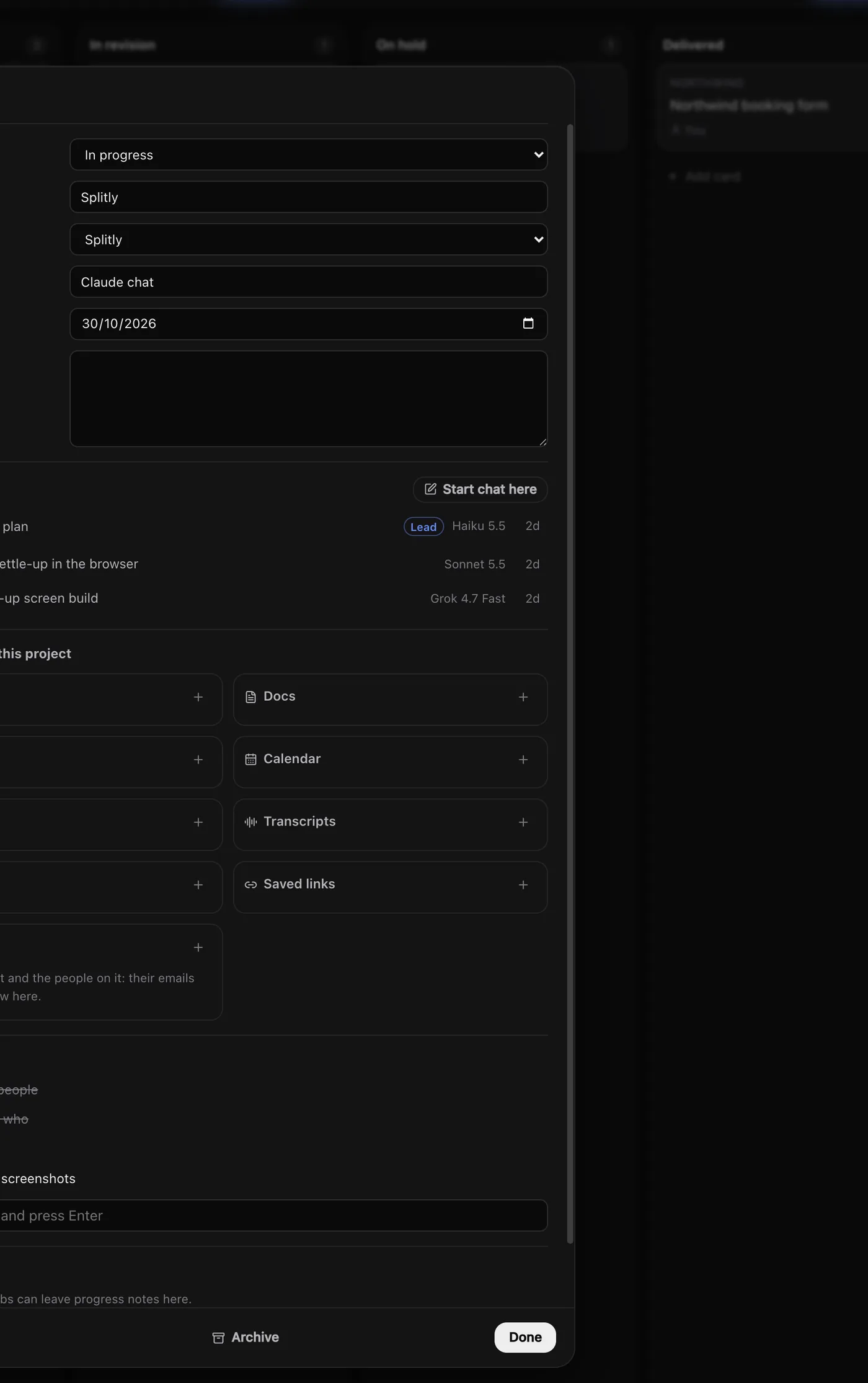
- Column, Client, Owner (you, an Orb or a project chat), Due and Notes.
- Folder: where new chats from this card open. Leave it on Automatic to use the project's own folder.
- Threads: the Orbs filed under this project, with the lead Orb marked. Start chat here starts the lead, or a specialist working for it once there is one. See Lead Orbs and sub-threads.
- Checklist: steps to tick off.
- Comments: progress notes from you and your Orbs.
- Teammates: assign people once you're on a team.
- Archive and Delete. Archived cards come back from the Archived button in the header.
Leads
A lead card has Value (£), Source (website, referral, marketplace), Contact and Follow up. Follow-up dates feed your briefings, the Needs you widget and My Work, so a lead doesn't go cold. Drag a lead to Won or Lost when it's decided.
People
People holds one record per person: clients, leads' contacts, your team, suppliers. Each has an email (or several), phone, company, role and notes. Open someone to see Everything with them: their emails, WhatsApp and other messages, transcripts, tasks, projects and leads, meetings, invoices and any database rows that link to them. Emails and messages link to a person by the address or phone number on their record.
Columns or Views
On Projects and Leads, the Columns and Views switch in the header changes the Board into a database view: a table, a timeline grouped by stage, and any views you add (table, columns, list, calendar, timeline or gallery), with filters, sorting and your own fields. People always opens as a database. See Docs and databases.
Bring your projects in
Click Import in the Board's header to move projects, tasks and people from ClickUp, Asana, Trello, monday.com, Todoist or Notion. See Import from ClickUp, Asana and more.
Common questions
Can I rename the Board's columns?
No. Projects and Leads use fixed stages, so briefings and widgets know what counts as done. Add your own status field in Views if you need more detail.
Can Orbs update the Board?
Yes. Orbs and your Moon can add cards, move them, leave comments and file their chats under a project. Ask in plain words, for example "Move Kestrel Books to Delivered and note what shipped."
Related: Projects and folders, Tasks and My Work, Teams and teammates.
Updated 24 October 2026 · Orbit 0.1.15