Projects, leads and people.
One Board.
See every project by stage, every lead by value, and everyone you work with. Your Orbs move cards, leave notes and file their chats under the right project.
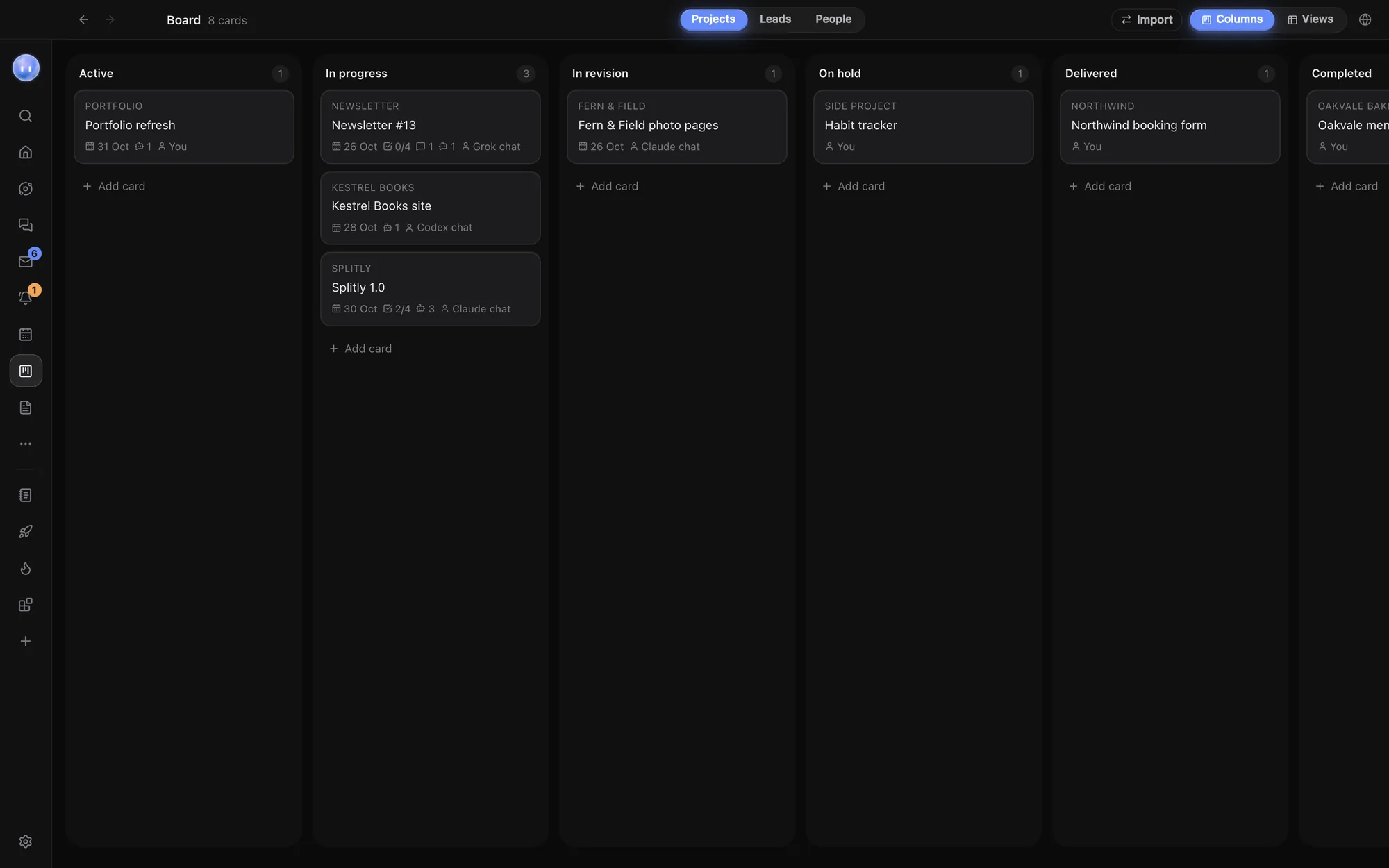
Code and clients, side by side.
Each folder you add to Orbit gets a project card, so your code projects and client work sit on the same Board. Drag cards from Active to Completed as the work moves on. A card turns late once its due date passes.
Each card has an owner (you, an Orb or a project chat), a checklist, and comments where you and your Orbs leave progress notes. Archive a card when it's done and bring it back any time. Or ask in plain words: "Move Kestrel Books to Delivered and note what shipped."
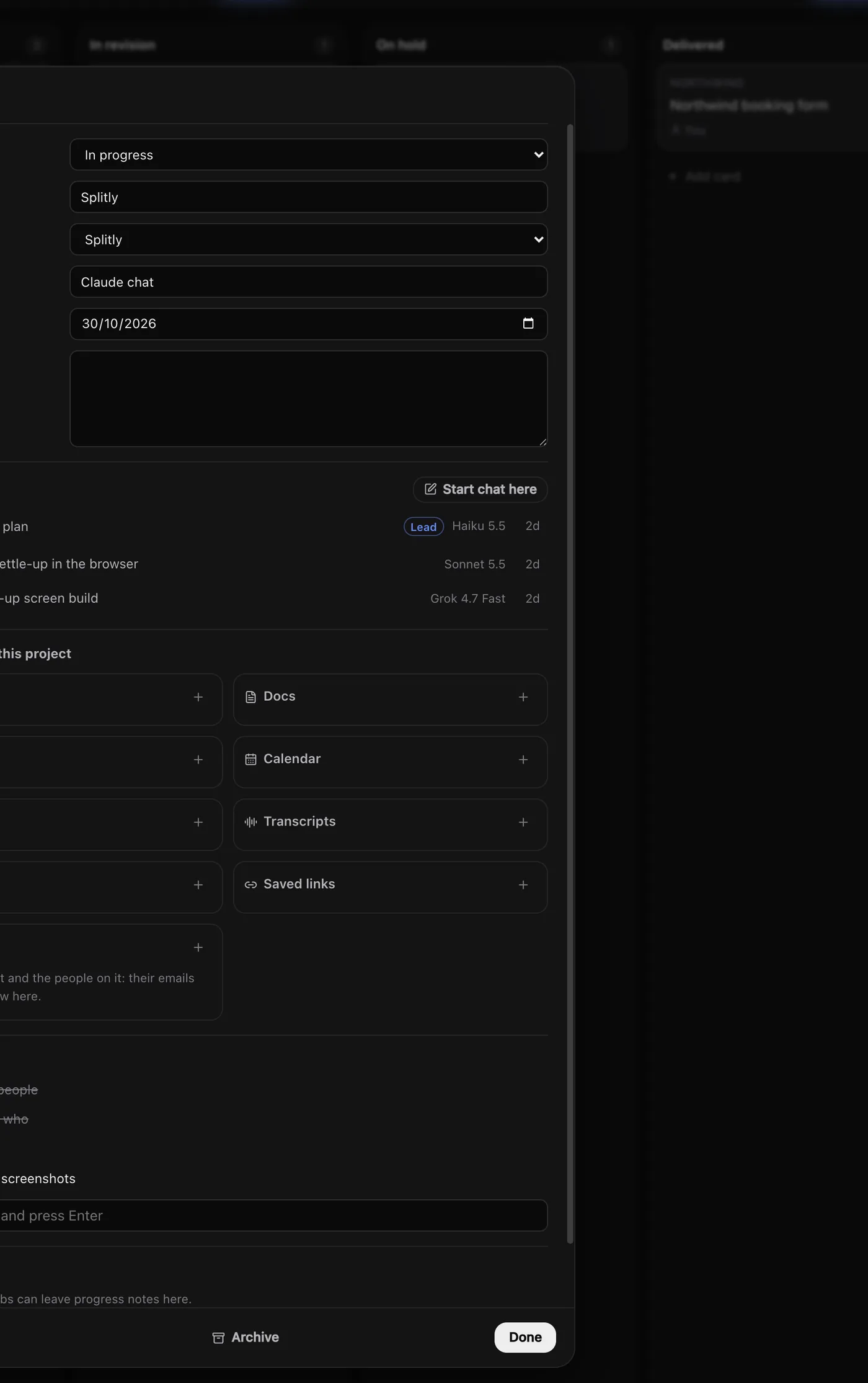
Leads that don't go cold.
Track each lead from New to Replied, Call booked, Proposal sent, then Won or Lost, with its value, source (website, referral or marketplace), contact and follow-up date. The header adds up what's still open. Drag a lead to Won or Lost when it's decided, and the totals follow.
Follow-up dates feed your briefings, the Needs you widget and My Work, so you hear about them in time.
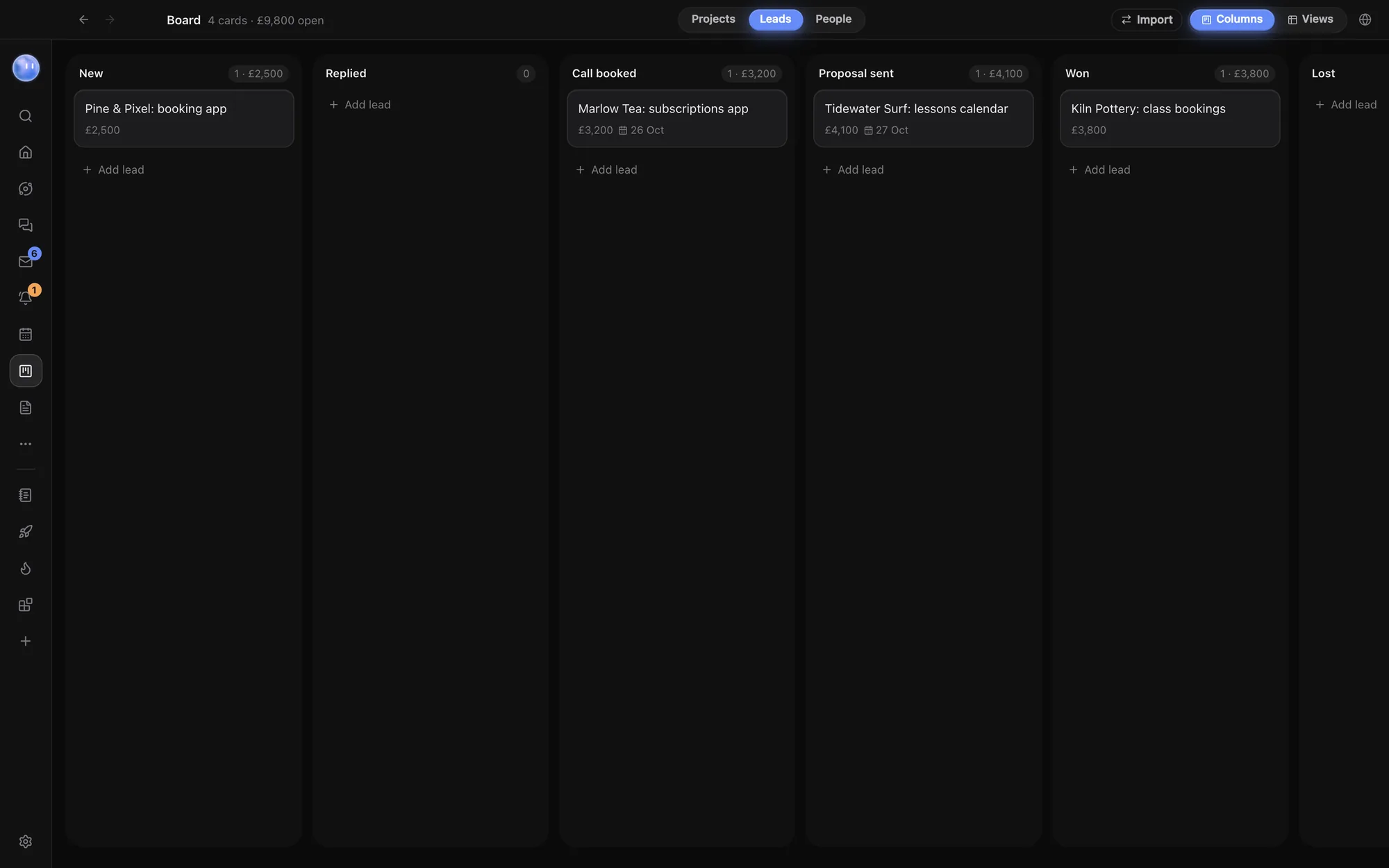
Everyone, and everything with them.
People holds one record per person: clients, leads' contacts, your team and suppliers. Open someone to see their emails, WhatsApp messages, transcripts, tasks, projects, meetings and invoices in one place.
Messages link to a person by the address or number on their record, so a client's latest email shows on their card without you filing it. People always opens as a database, with Columns and Table views, search, filters, sorting and your own fields.
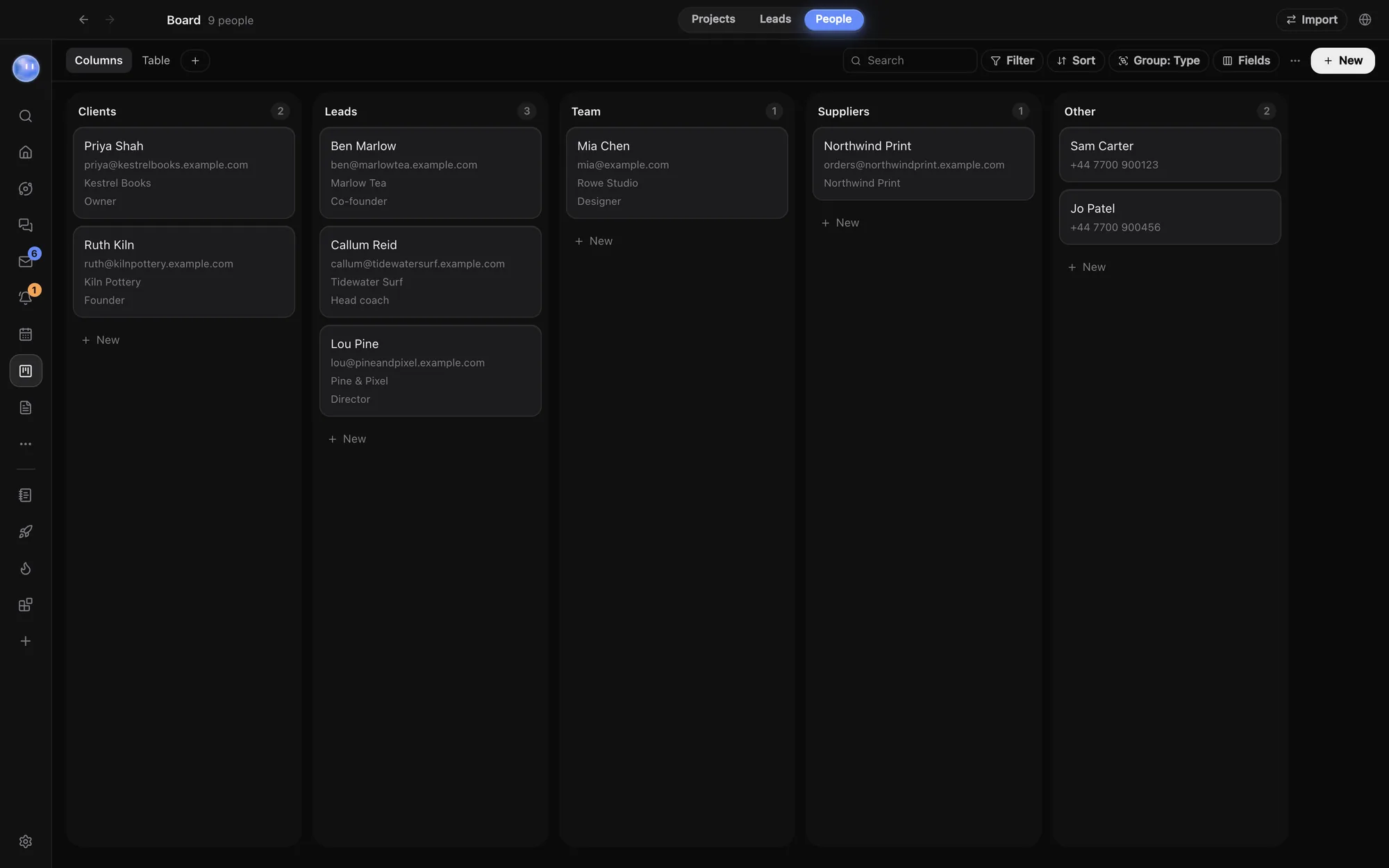
A card that fills itself in.
Open a project card and it lists everything in the project: its chats, tasks, docs, blocks, calendar, emails, transcripts, files, saved links and people. Things link to it by themselves, like what an Orb makes in the project's chat and emails and calls from the people on it.
Your Orbs and your Moon add cards, move them and leave comments as the work moves on. The columns are fixed so briefings and widgets know what counts as done; add your own status field in Views if you need more detail.
Columns, or any view you like.
Switch Projects or Leads into a database view: a table, a timeline by stage, or a list, calendar or gallery of your own, with filters, sorting and your own fields.
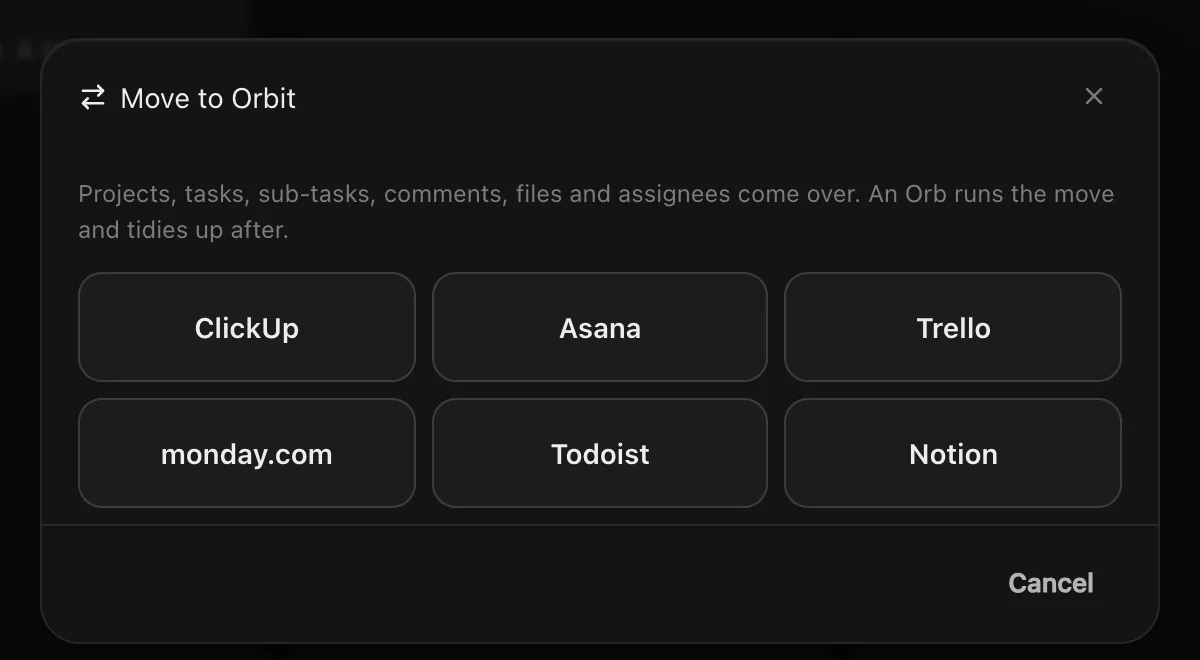
Moving from another tool? Import brings projects, tasks and people over from ClickUp, Asana, Trello, monday.com, Todoist or Notion.
Learn how: The Board: projects, leads and people · Projects and folders · Import from ClickUp, Asana and more
No more app switching.
7 days free, then $29 a month at the founding price, locked for life. On the AI plans you already pay for.