Keys your Orbs use.
Never see.
An Orb asks for a secret by name. You say yes, Orbit puts the real value in for that one command or form field, and the model only ever sees a placeholder.
How a secret gets used.
The Orb asks by name
It writes a placeholder like {{secret:STRIPE_KEY}} where the value goes, never asking you to paste it in the chat.
You see where it's going
An approval card names the secret and the exact command, or the form field and website, it's for.
Orbit fills it in
The value goes into that one place. Anything that comes back has it swapped for the placeholder again.
Missing one? Add it right there.
If an Orb needs a secret Orbit doesn't have yet, its approval card has a hidden box for it. Paste the value and choose Save and allow, or allow it for the rest of the chat. It goes straight into Orbit's encrypted store, never into the chat or anything the model sees. Decline saves nothing, and the Orb is told not to try again unless you ask it to.
- Per chat: Ask each time, Use without asking, or Revoke
- A log of every use: which chat, which secret, when and where it went
- Encrypted with a key in your Mac's Keychain, and never saved in plain text
- Not sent to Orbit's server or your phone
A password manager, built in.
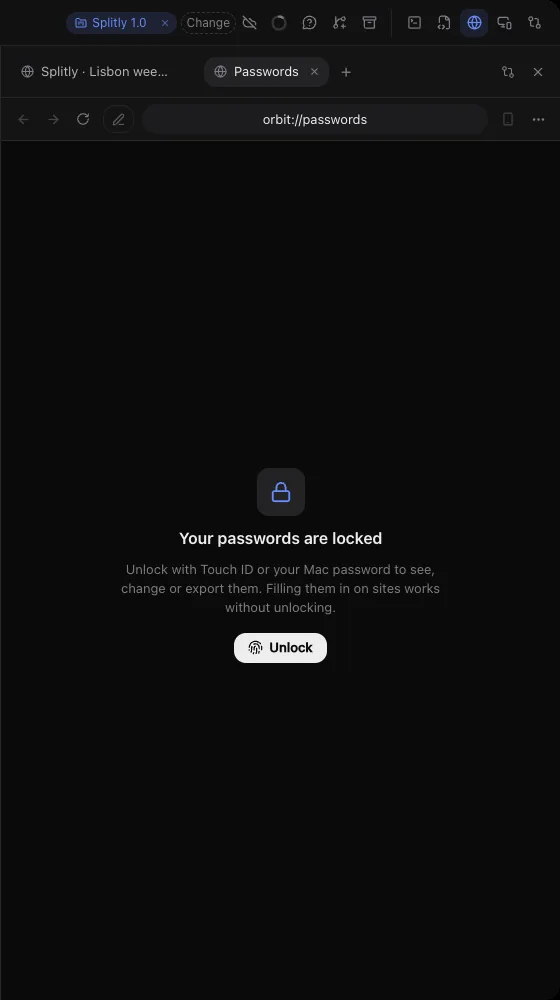
Orbit's browser saves your sign-ins, fills them in and makes strong passwords. Seeing, changing or exporting them needs Touch ID or your Mac password; filling them in doesn't.
Orbs don't type passwords. At a password or card field, the Orb hands the page to you.
Add one ahead of time.
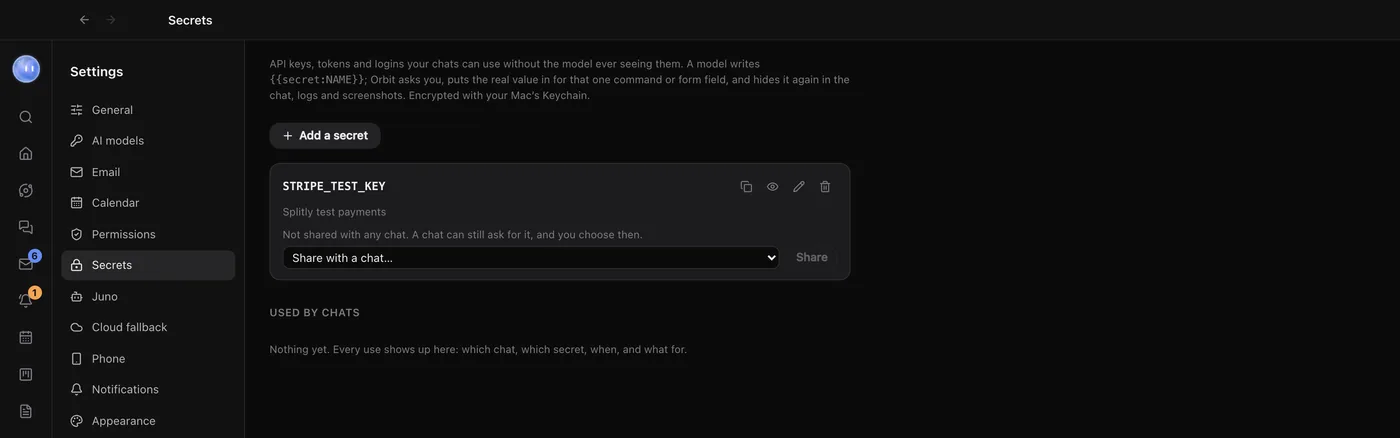
In Settings, Secrets, click Add a secret, give it a name in capitals like SPLITLY_API_TOKEN, and paste the value. Add a note on what it's for: the model sees the note, which helps it pick the right one. The copy button copies the placeholder, so you can tell an Orb exactly which secret to use.
- Two places: a terminal command or its environment variables, and a field on a page in Orbit's browser
- See a saved value with Touch ID or your Mac password
- Short values under six characters can't be reliably hidden in a command's output, and Orbit warns you
- On your phone you can see a request and decline it; values are only typed on the computer
A profile for each client.
Each browser profile keeps its own sign-ins, cookies and site data. Make one per client and you can be signed in to two Shopify stores, or two Google accounts, side by side.
- Import passwords from Chrome, or a CSV from Safari, 1Password or Bitwarden
- Copied passwords clear from the clipboard after a minute
- Sites can't get your camera, microphone or location on an Orb's say-so
Learn how: Secret box · Passwords and profiles · Security
No more app switching.
7 days free, then $29 a month at the founding price, locked for life. On the AI plans you already pay for.