Alternatives
The best Claude desktop app alternatives
Looking past the Claude desktop app usually means one of three things: you want Claude in a different shape, you want another company's models too, or you want more of your work in one place. Here are the options worth your time, and what each one is genuinely best at.
If you want Claude without the app, use Claude Code in your terminal or editor. If you want OpenAI's models on your ChatGPT plan, use the ChatGPT desktop app with Codex. If you write code all day, Cursor is the editor to try. If you want many coding agents on separate branches, try Conductor. If you want Claude, Grok and Codex in one chat with a browser, planner and inbox around them, that's what we built Orbit for. Several of these run on your existing Claude plan, so you don't have to give up Claude to switch.
First, why people look for an alternative
The Claude desktop app is good. It's free to download, it runs on Mac, Windows and, in beta, Linux, and it bundles chat, the Claude Code tab and Cowork. The Code tab has parallel sessions, optional Git worktrees, a diff view, dev-server previews and pull request tracking. If you only use Claude, it may be all you need.
The reasons people look elsewhere tend to be specific:
- They also use ChatGPT, Codex or Grok, and want them in the same place.
- They prefer the terminal or their own editor.
- They want an editor with AI autocomplete, not a chat app.
- They run several agents on one repository and want strict branch isolation.
- They want their calendar, tasks, inbox and projects in the same window as the AI.
Pick the alternative that fixes your reason. The list below is ordered by that, not by which is "best".
Checked 24 October 2026. Every fact about another product links to that product's own page. Prices and plans change often.
1. Claude Code in the terminal or your editor
Best for: developers who like Claude but don't want a separate app.
Claude Code is the same engine as the desktop app's Code tab, and it also runs in your terminal, as a VS Code extension (which also installs in Cursor), in JetBrains IDEs and on the web (Claude Code docs). Your CLAUDE.md, settings and MCP servers work across all of them. It needs a Claude subscription or an Anthropic Console account.
Trade-off: it's still Claude only, and the terminal is less friendly for reviewing diffs than the desktop app.
2. The ChatGPT desktop app, with Codex
Best for: people who pay for ChatGPT, or want OpenAI's models.
OpenAI's desktop app brings ChatGPT Work and Codex together, with context from your email, screenshots and files (download page). Codex runs many agents in parallel, checks its work with computer and browser tools, keeps going in the cloud and reviews pull requests (openai.com/codex). Codex is included in ChatGPT plans, with limited access on Free (pricing).
Trade-off: it's OpenAI's models only. Our full comparison: Orbit vs the ChatGPT desktop app.
3. Cursor
Best for: developers who write a lot of code by hand.
Cursor is a full code editor with AI built in. Its Tab autocomplete suggests multi-line and cross-file edits as you type, and it has an agent, a CLI, cloud agents and AI code review (pricing). It runs on Mac, Windows and Linux. Its plans now centre on Grok models; Claude and other third-party models are billed at API list price, or through your own API key (docs).
Trade-off: using Claude in Cursor means API pricing, not your Claude plan. Full comparison: Orbit vs Cursor.
4. Conductor
Best for: running several coding agents on one repository at once.
Conductor, a Mac app, runs Claude Code, Codex, Cursor and OpenCode in parallel, each task in its own Git worktree and branch, with a diff, checks and a pull request at the end (Conductor docs). It uses the sign-ins already on your machine, including Claude Pro or Max, and doesn't bill for model usage. Local use is free; Pro, at $50 a month, adds cloud workspaces (pricing).
Trade-off: it's for code and nothing else, and it's Mac only as far as we could find. Full comparison: Orbit vs Conductor.
5. Orbit
Best for: people who use more than one AI and run several projects at once.
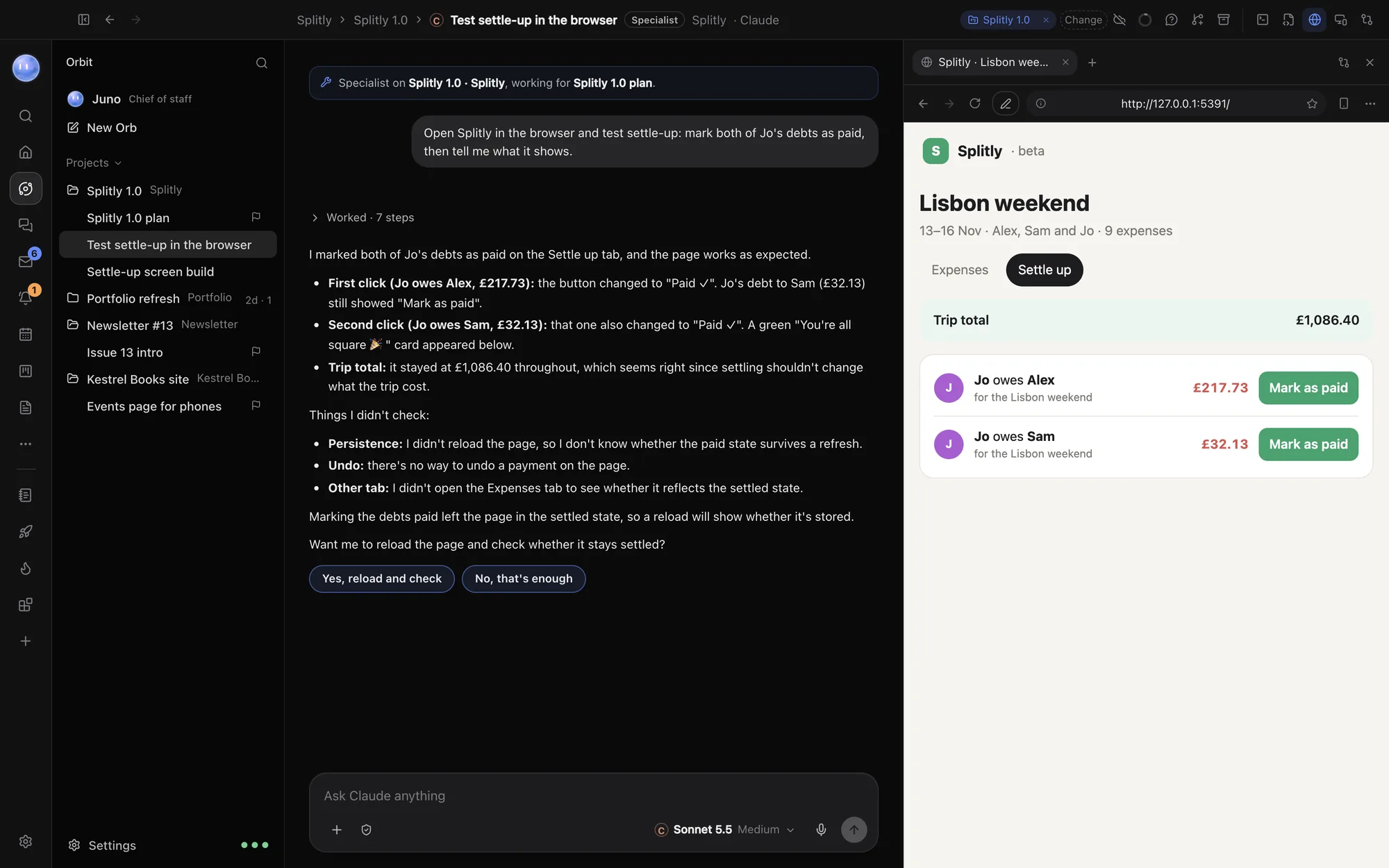
Orbit is our app, so weigh this one accordingly. It runs Claude Code on your own Claude plan, Grok on your SuperGrok plan and Codex on your OpenAI API key, and one chat can switch between them mid-conversation. Every chat is an Orb, filed under a project, and a lead Orb can hand pieces of work to sub-threads. Around the chats are a browser the Orbs drive in their own tabs, a terminal, an editor, a Changes pane and pull requests, plus Home, Planner, Tasks, a Board for projects, leads and people, an Inbox and a Journal. Your Moon, an always-on lead Orb, checks in on all of it and hands back anything that sends, publishes or pays.
It runs on macOS 13 or later and Windows 10 and 11, with an Android app; iPhone and iPad are in beta. It's 7 days free, then $29 a month (£29 / €29 locally) at the founding price.
Trade-off: it isn't Anthropic's app, so Claude-only features like Cowork stay in Claude's app. Codex needs an API key until ChatGPT sign-in arrives. Orbs in a project share a folder rather than a worktree each. And it's a subscription on top of your AI plans. Full comparison: Orbit vs the Claude desktop app.
Quick picker
| If you want… | Try | Keeps your Claude plan? |
|---|---|---|
| Claude without a separate app | Claude Code in the terminal or editor | Yes |
| OpenAI's models on your ChatGPT plan | ChatGPT desktop with Codex | Not used |
| The best AI editor for typing code | Cursor | No: Claude at API prices or your key |
| Many agents on separate branches | Conductor | Yes |
| Claude, Grok and Codex with your day in one window | Orbit | Yes |
You may not need to replace it
Several of these sit alongside the Claude app rather than replacing it. Claude Code in your terminal, Conductor and Orbit all sign in with the same Claude plan, so you can keep Claude's app for Cowork and chat, and use another tool for the jobs it doesn't cover. The cost to watch is your plan's limits: every tool on the same plan draws from the same allowance.
Common questions
What is the best free alternative to the Claude desktop app?
Of the options here, ChatGPT and Cursor have free plans, and Conductor is free for local workspaces (it uses your own Claude or OpenAI account for the models). Claude's own app is also free to download.
Can I use my Claude Pro or Max plan outside Claude's app?
Yes, with Claude Code in the terminal or an editor, and with tools that run Claude Code on your sign-in, such as Conductor and Orbit.
Is there a Claude desktop alternative that also runs Grok?
Orbit runs Grok on your SuperGrok plan alongside Claude and Codex, in the same chat if you like. Cursor's plans also centre on Grok models.
Which alternative works on Windows?
ChatGPT (its Classic app), Cursor and Orbit all have Windows versions. Claude's own app does too. We couldn't find a Windows version of Conductor.
Is Orbit made by Anthropic?
No. Orbit is made by SUPERORBIT LTD, an independent UK company. It signs in to Claude with Anthropic's own sign-in and runs Anthropic's Claude Code engine, unmodified.
Try Orbit free for 7 days · All comparisons
Updated 24 October 2026