Compare
Orbit vs Conductor
Conductor and Orbit both run coding agents on the subscriptions you already have. Conductor is a sharp tool for one job, parallel agents on isolated branches. Orbit is wider: a workspace for your AI chats, your browser and your day.
Choose Conductor if your work is running several coding agents on the same repository at once, each on its own branch in its own Git worktree, then reviewing and merging their pull requests. It has a free plan for local use. Choose Orbit if you run several projects and clients, use Grok as well as Claude or Codex, and want a browser your Orbs drive, a planner, inbox, board and an always-on Moon next to the chats. Both run on your own AI plans, so you can use both.
What each one is
Conductor, by Melty Labs, "lets you run Claude Code, Codex, Cursor, and OpenCode in parallel. Each task gets its own workspace, branch, files, terminal, diff, and review path" (Conductor docs). Under the hood, every workspace is a Git worktree, so agents can work at the same time without editing the same files on disk. When a task is ready, Conductor helps you review the diff, open a pull request, merge and archive the workspace. The paid plan adds Conductor Cloud, sandboxes on isolated microVMs, plus live collaboration, an API and a mobile app (conductor.build).
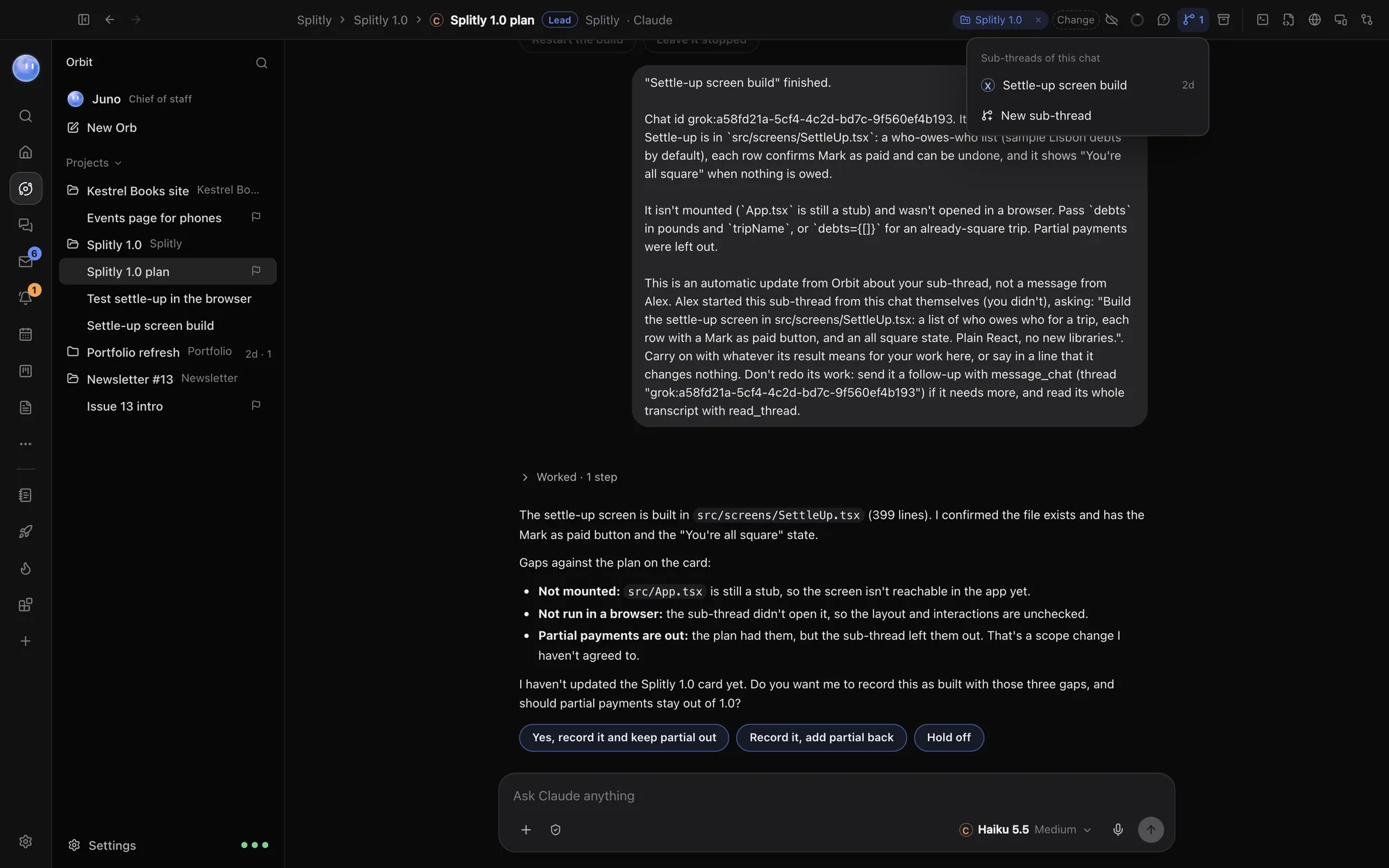
Orbit is a desktop app where every AI chat is an Orb, filed under a project linked to a folder. Orbs run on Claude, Grok or Codex, and one chat can switch between them. A project's lead Orb plans the work and hands pieces to sub-threads. Around the chats sit a browser, terminal, editor, Changes pane and pull requests, and the tools for your day: Home, Planner, Tasks, Board, Inbox and Journal. See what Orbit is.
Side by side
Checked 24 October 2026. Facts about Conductor come from Conductor's own site and docs, linked in each row.
| Conductor | Orbit | |
|---|---|---|
| Focus | Parallel coding agents in isolated workspaces (docs) | AI chats for all your projects, with browser, terminal, review and your day |
| Runs on | Mac desktop app, an iOS app and an API (conductor.build) | macOS 13 or later, Windows 10 and 11; Android app; iPhone and iPad in beta |
| Agents and models | Claude Code, Codex, Cursor and OpenCode (harnesses) | Claude Code, Grok and Codex, switchable mid-chat |
| Billing for models | "We do not bill or resell model usage"; your provider account or key (harnesses) | Never charges for models: your Claude or SuperGrok plan, or OpenAI API key |
| Isolation | A Git worktree and branch per workspace (worktrees) | Orbs in a project share its folder; the lead Orb splits the work |
| Review and merge | Diff viewer, checks, pull request, merge, archive (docs) | Changes pane for every edit; pull requests listed and reviewed by Claude or Codex |
| Cloud | Conductor Cloud on Pro and above (pricing) | Cloud fallback for chats you choose while your computer sleeps; Codex cloud tasks |
| Team work | Multiplayer workspaces: share a link and prompt agents together (conductor.build) | Teams: assign people to projects and tasks, Chat, shared Docs, Workload |
| Browser, planner, inbox | Not the focus | Built in: a browser for Orbs, Planner, Tasks, Board, Inbox, Journal |
| Price | Free for local workspaces; Pro $50 a month; Teams $60 a user (pricing) | 7 days free, then $29 a month (£29 / €29 locally) (founding price) |
Where Conductor is better
- Real isolation between agents. Each Conductor workspace has its own worktree, branch, terminal and running processes, so one agent can run a dev server while another fixes a bug on a different branch, with no collisions. In Orbit, Orbs in a project share one folder; a lead Orb divides the work, but nothing stops two Orbs touching the same file. If you run five agents on one repo at once, Conductor is built for exactly that.
- The branch is the unit of work. Conductor ties chats, diffs, checks and pull request state to each workspace, from creation to merge to archive. Orbit's Changes pane shows uncommitted changes in a project, and its pull request tab lists, opens and reviews, but it doesn't manage a branch per task.
- More coding agents. Conductor runs Cursor's agent and OpenCode as well as Claude Code and Codex. OpenCode reaches many providers (harnesses). Orbit runs Claude Code, Grok and Codex.
- Free locally. Conductor's free plan covers parallel agents and local workspaces on your Mac. Orbit is a subscription after a 7-day trial.
- Cloud sandboxes and an API. Pro adds cloud workspaces on microVMs with your repos pre-installed, and the Conductor API to start sessions from your own tools.
- Prompting together. Multiplayer lets teammates join a workspace and steer agents together in real time.
Where Orbit is better
- Grok, and switching mid-chat. Orbit runs Grok on your SuperGrok plan beside Claude and Codex, and one chat can move between them with the whole conversation carried over. A group chat can have two or three models answer in turn. See Switch models mid-chat.
- Work beyond the repo. Client emails, a launch plan, a newsletter, a proposal: Orbs handle those too, with your Inbox, Planner, Tasks and Board right there. Conductor is for code.
- The Moon. An always-on lead Orb across all your projects. It checks your messages and calendar, drafts replies for you to approve, hands work to the right project and tells you what needs you. See your Moon.
- A browser your Orbs drive. Orbs open your local site in tabs of their own, click through it, read the console and run phone, speed and SEO checks before they tell you they're done. See the browser.
- Windows and Android. Orbit runs on Windows as well as Mac, and the Android app shows your Orbs and approvals live from your computer.
- Guard rails by default. Conductor's own FAQ says its agents "run directly on your system without sandboxing", with your user's permissions (FAQ). Orbit has the same basic reality, Orbs run on your computer, but adds permission levels from "ask before every change" to full access, a Secret box so models never see your keys, and the Moon's rules that hand sending, publishing, payments and passwords back to you. See security.
Using them together
Both apps use the AI plans you already have, so running both costs you nothing extra in models. A split that makes sense: Conductor for a burst of parallel branches on one repository, Orbit for everything around it. The Moon tracks the project on the Board, the lead Orb writes the release notes and the client update, an Orb checks the deployed preview in Orbit's browser, and your Planner shows when it's all due.
Who should choose which
- Choose Conductor if you're a developer on a Mac who wants to run many coding agents on one codebase at once, on separate branches, and merge the best results.
- Choose Orbit if you juggle several projects or clients, want Grok alongside Claude and Codex, need Windows, or want your browser, planner and inbox where your AI can use them.
- Use both if parallel branches are part of your week but not all of it.
Common questions
Does Orbit use Git worktrees?
Not per Orb. Orbs in a project work in the project's folder, and a lead Orb splits the work between sub-threads. If you need each agent on its own branch and worktree, Conductor does that.
Do both use my Claude subscription?
Yes. Conductor's FAQ says it uses the Claude Code sign-in already on your machine, including Claude Pro or Max. Orbit signs in with your Claude plan too. Usage in both counts towards the same plan.
Is Conductor on Windows?
Conductor's site and docs describe a Mac app, plus iOS and an API. We couldn't find a Windows version. Orbit runs on Mac and Windows.
Which is cheaper?
For local use, Conductor is free. Orbit is $29 a month (£29 / €29 locally) after the trial. Neither charges for the models.
Can Orbit run Cursor's agent?
No. Orbit runs Claude Code, Grok and Codex. You can still open the same folder in Cursor and work on it there. See Orbit vs Cursor.
Try Orbit free for 7 days · Orbit for developers · More comparisons
Updated 24 October 2026