Use cases
Orbit for founders
A founder in launch week is the product lead, the marketer, the support desk and the person who renews the domain. Here's how one launch week runs in Orbit, using our demo founder Alex Rowe and a made-up app, Splitly, aiming for 1.0 on 30 October.
Orbit gives a founder one place to run every workstream of the company, with a lead Orb per project doing the work on your own AI plans, and a Moon that keeps the Board, Planner and Inbox current, writes your front page each morning and hands back anything that sends, publishes or pays.
The launch, as projects
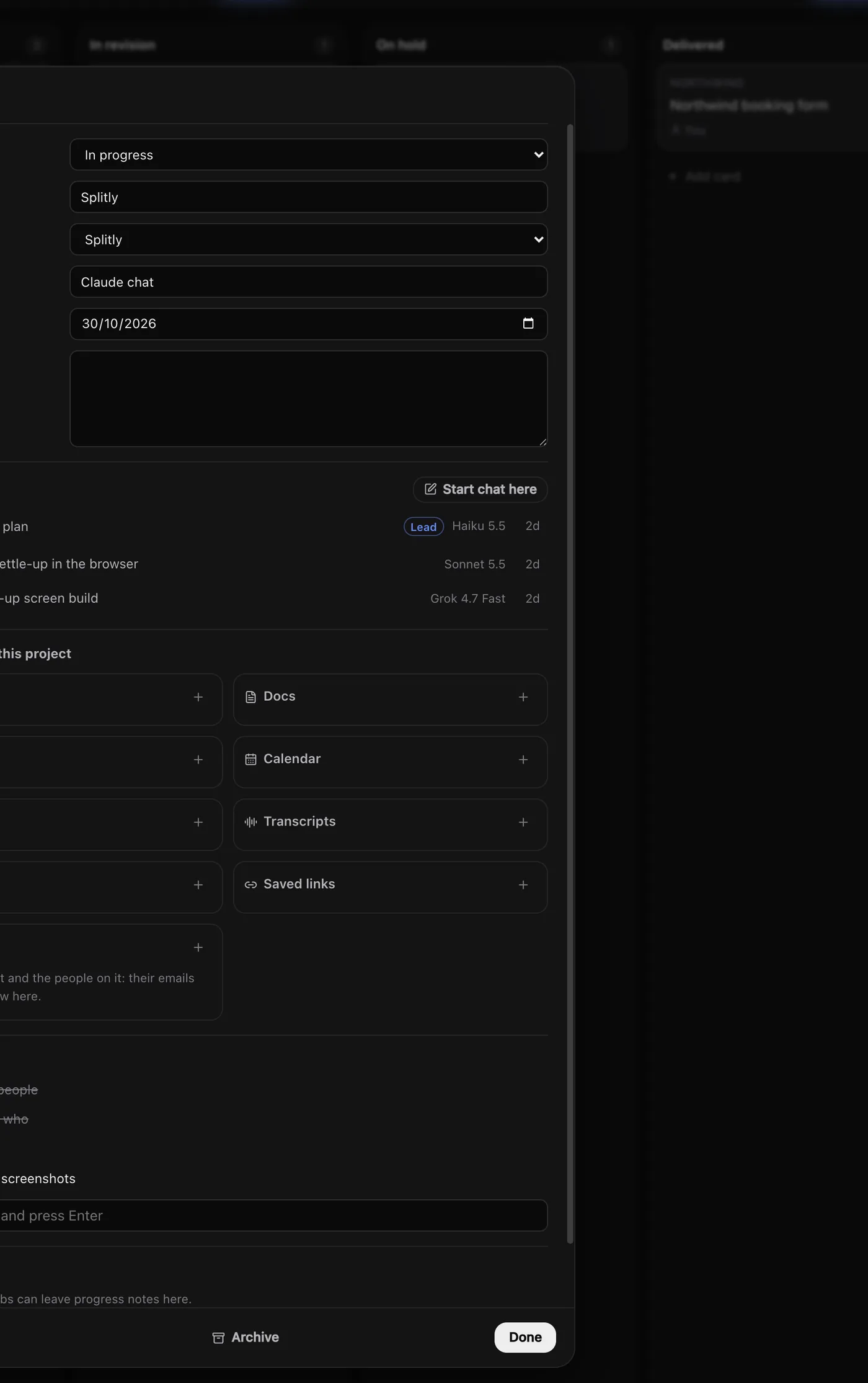
Alex splits Splitly's launch into projects, each linked to a folder, each with a lead Orb:
| Project | Lead Orb runs on | What it does this week |
|---|---|---|
| Splitly (the app) | Claude | Share links, the settle-up screen, store screenshots |
| Newsletter | Grok | Issue #13, announcing 1.0 |
| Portfolio | Claude | A Splitly case study after launch |
The Splitly card on the Board shows the 1.0 checklist: Trips and people and Who owes who done, Share link and Store screenshots to go. Lead Orbs keep their cards current as they work, so the Board is the status report. See Lead Orbs and sub-threads and The Board.
Every morning: the front page
One message to the Moon sets up the week:
On weekdays at 8:30, write my front page: what needs me, today's calendar,
what each project's Orb is doing, and the three things that matter most for
the 30 October launch.
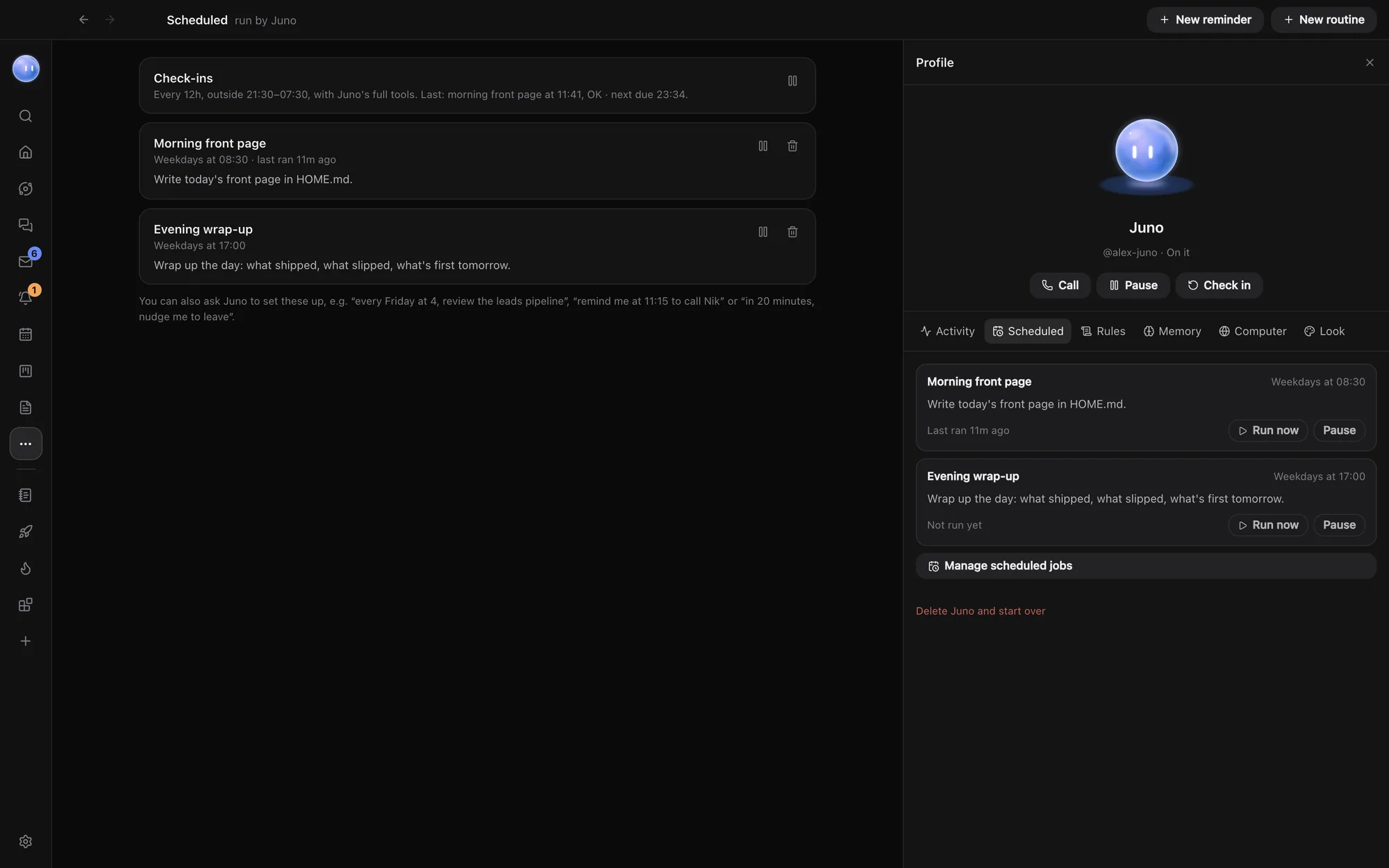
That becomes a scheduled job. Each morning, Home shows the page, beside the widgets Alex has pinned. The Moon also checks in on its own through the day, tells Alex what's waiting, and nudges once per thing rather than nagging. See What the Moon does and Scheduled jobs and nudges.
Hand work across, not down a rabbit hole
Founders lose hours switching context. In Orbit, you ask the Moon once and it passes the job to the right project's Orb, waits for the answer and brings it back:
Ask the Splitly Orb what's left for 1.0 and whether 30 October is still
realistic. Then ask the newsletter Orb to draft issue #13 around the answer.
By default the Moon asks before passing work to a chat, and you can change that in its rules. When a job splits well, a lead Orb starts sub-threads for the pieces, and they report back to it. See Orbs talking to each other.
A launch countdown, in one ask
Blocks are small tools an Orb makes for you that live in the sidebar. Ask for "a launch countdown to 30 October with the 1.0 checklist from the Splitly card" and it appears, and can sit on Home as a widget. Share it with your team, or publish it to the Block Store. See Make a block.
Marketing and support, beside the product
- Launch copy. The newsletter Orb on Grok drafts; switch the same chat to Claude for an edit, with the whole draft in front of it.
- Checking the site. An Orb opens the landing page in its own browser tab and runs speed, SEO and phone checks before you share it. See Page checks.
- Replies. Messages from users, partners and leads arrive in one Inbox. The Moon flags what needs you and drafts replies that wait for your OK.
- The boring things. "Renew splitly.app domain" sits in Tasks, next to the registrar's reminder in the Inbox. Orbit won't pay for you, but it keeps it in front of you.
When you hire
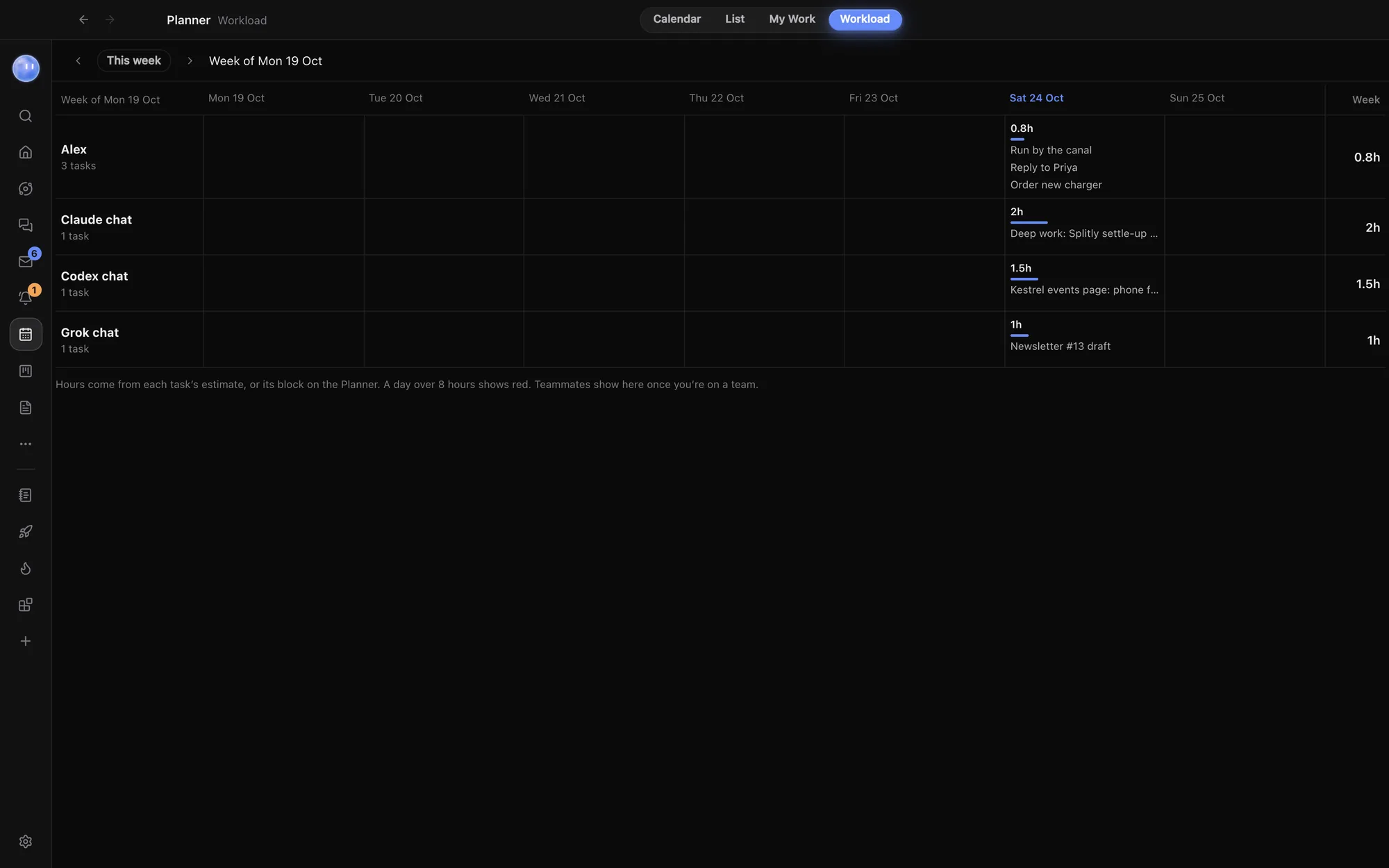
Start a team and assign people to the projects they work on. They see those projects, their tasks and linked docs, and nothing else. Chat gives you spaces and channels, where Orbs post short updates and @Moon answers. Docs are written together, live. Workload shows who has too much this week. Everyone keeps their own Orbs and AI plans. See Teams and teammates and Workload.
On the move
The Android app shows your Orbs, Moon, Inbox and Planner live from your computer, with approvals on the notification and progress like "3 of 5 done" on the lock screen. iPhone and iPad are in beta. Chats you choose can carry on in the cloud while your computer sleeps. See Orbit on Android and Cloud fallback.
What it costs a founder
Orbit is 7 days free, then $29 a month (£29 / €29 locally) at the founding price, locked for life for the first 500 members. You bring at least one AI plan: Claude, SuperGrok, or an OpenAI API key for Codex. Orbit never charges for model usage. See pricing.
Common questions
Is Orbit only for technical founders?
No. The coding tools are there if you need them, but the Moon, Board, Planner, Inbox, Docs and Blocks work just as well for marketing, sales and operations.
Can the Moon post our launch announcement?
It can draft it. Its default rules hand publishing, sending and payments back to you, and you can see and change those rules.
Where does our company data live?
Your chats, files and sign-ins stay on your computer. Orbit's server keeps your email and subscription, plus what you share with teammates, stored encrypted. See security.
Can we bring our tasks over from Notion or ClickUp?
Yes. Orbit imports from ClickUp, Asana, Trello, monday.com, Todoist and Notion. See Import.
Try Orbit free for 7 days · Meet your Moon · Orbit for agencies
Updated 24 October 2026